

Description
Altonet Animated BG adds beautiful, fluid animated backgrounds to your WordPress site without touching a single line of code.
Pick an effect, tweak every parameter in a live preview, and publish. The result works with any theme and adapts to your site’s design.
Why ABG?
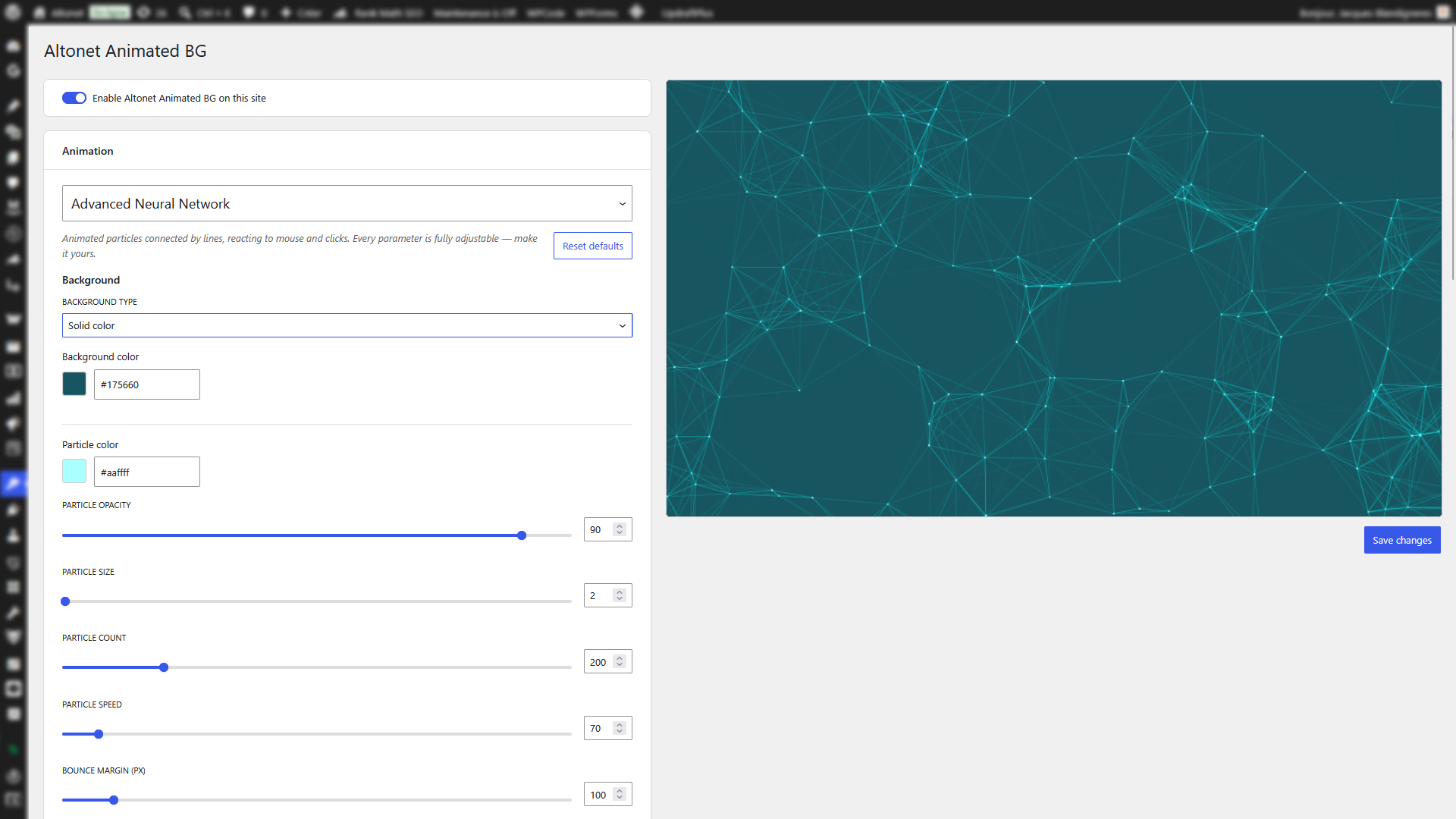
- Live preview — every change is visible instantly while you tune it. No save-and-refresh loop.
- Deeply customizable — every effect exposes its own parameters (colors, speeds, sizes, interactions…). Defaults that look good out of the box, headroom for those who want to go further.
- Global or scoped — apply the animation to the whole page, or target a specific section with a CSS selector (
.hero,#cta, etc.). Optional parallax in scoped mode. - Works with any theme — the background sits behind your content, the plugin reads your theme’s existing background color so transparent effects blend in naturally.
- No code needed — everything is configured from a single admin page under Appearance Animated BG.
- Lightweight and respectful — auto-disables on low-end devices and on mobile (configurable), pauses when the page is hidden, scales gracefully.
Included effects
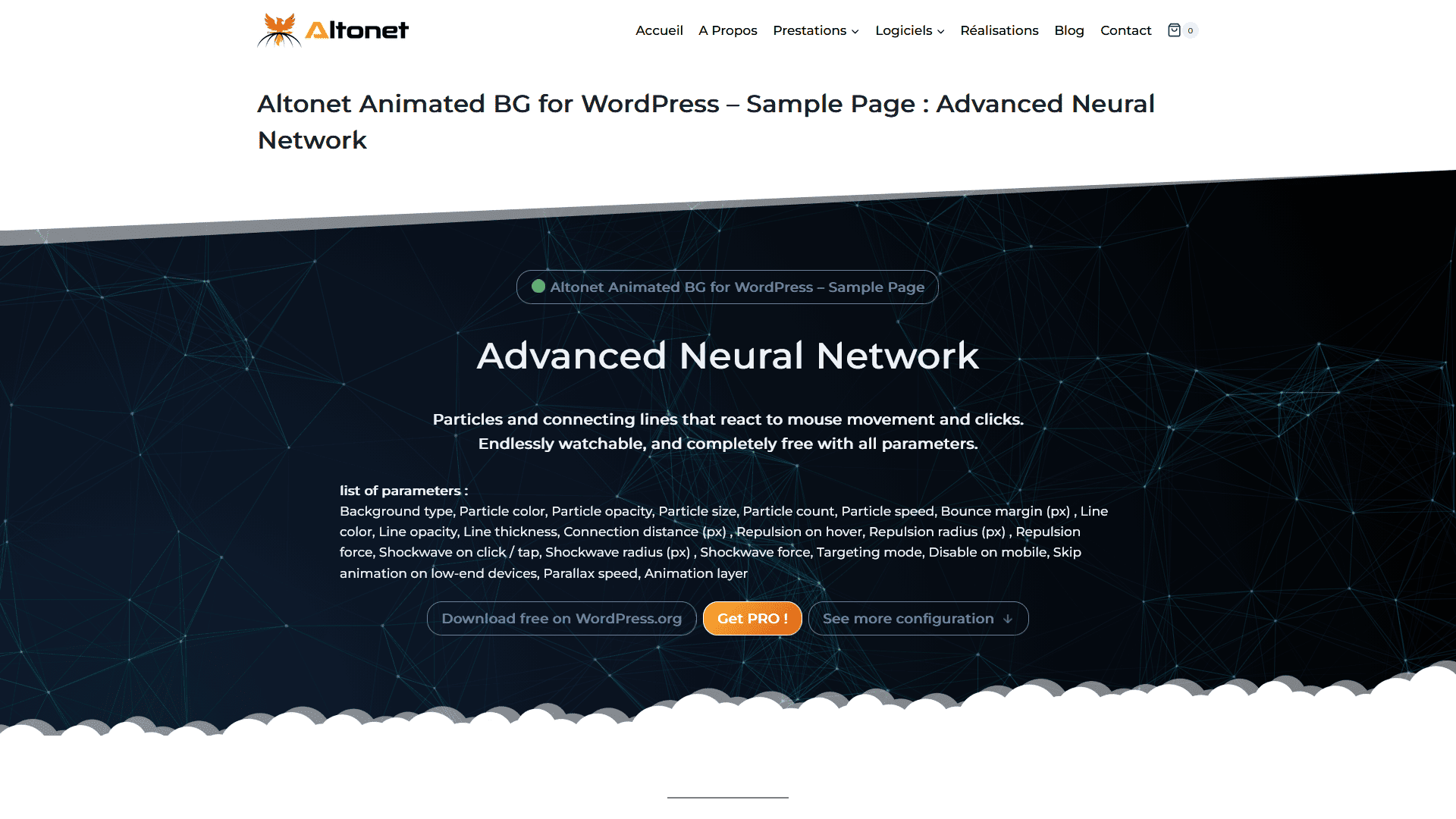
- Advanced Neural Network — interactive particle network reacting to mouse hover and clicks. Every parameter is fully adjustable.
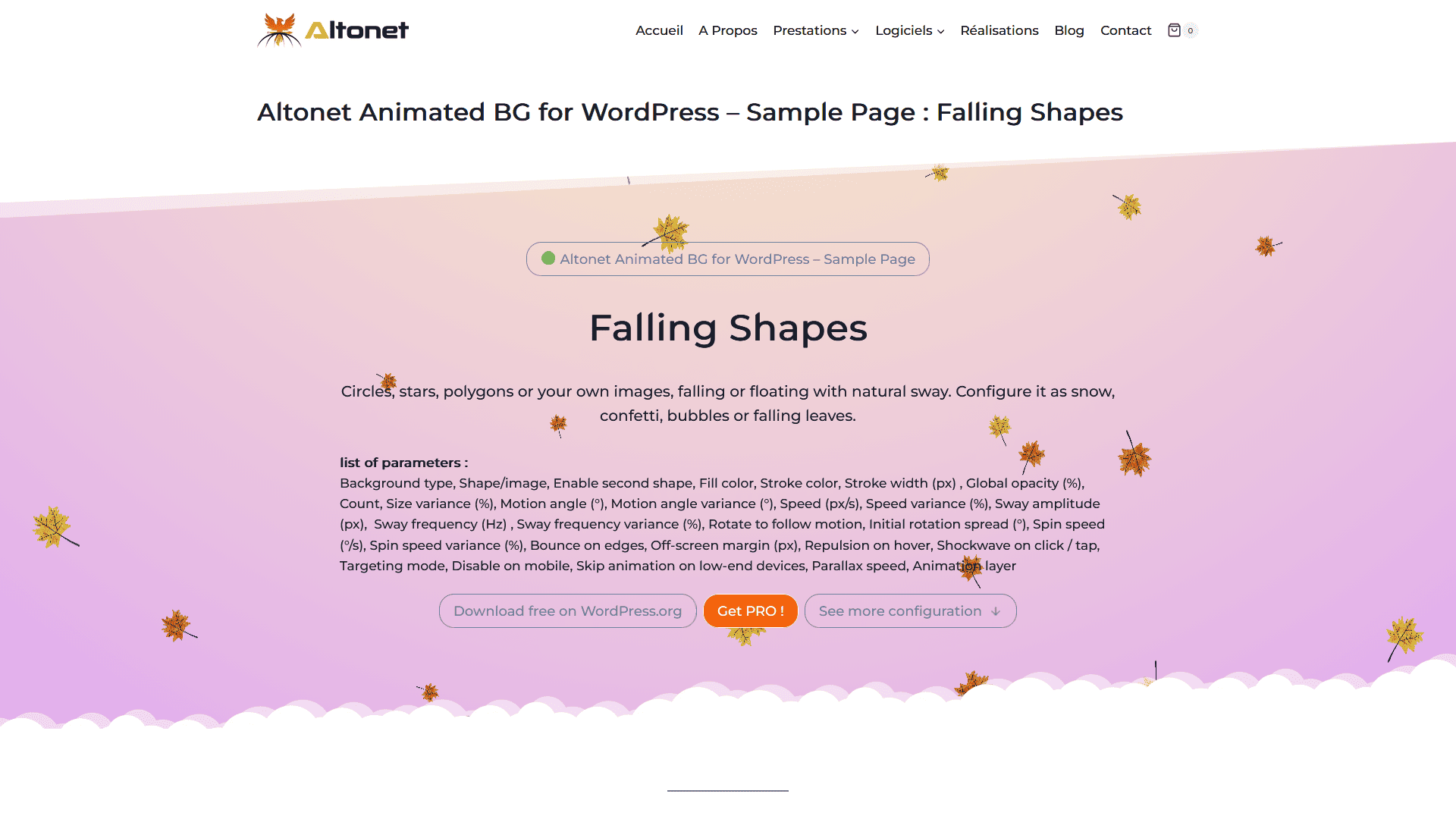
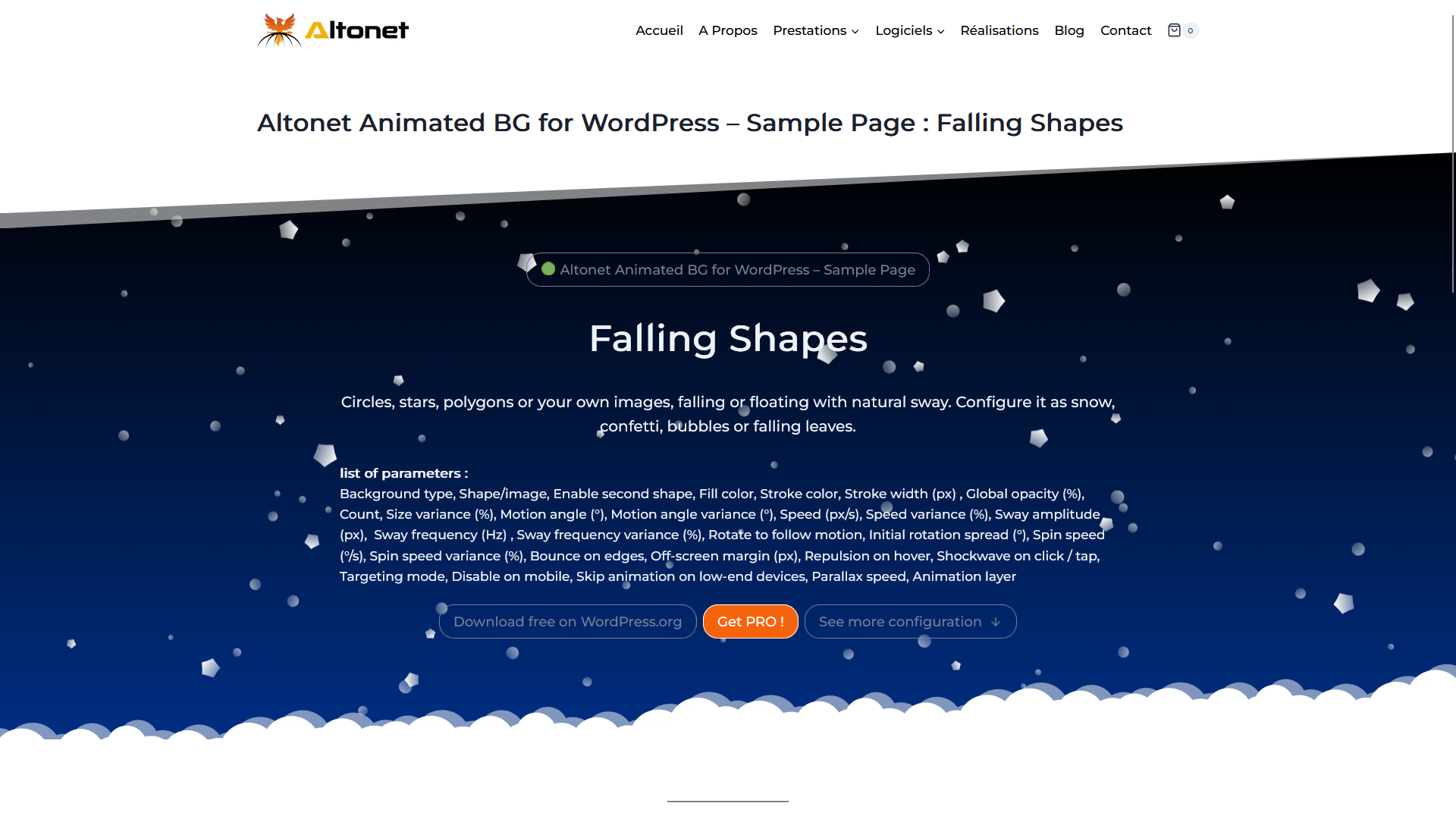
- Falling Shapes — geometric shapes (circle, triangle, quadrilateral, polygon, star…) or your own images, drifting in any direction across two independent layers. Perfect for snow, rain, bubbles, falling leaves or confetti.
Both effects are completely free and fully configurable — no locked settings.
Made for real sites
- Compatible with page builders (Elementor, Kadence, Beaver Builder, Bricks…).
- Multisite-aware, clean uninstall.
- No external HTTP calls, no tracking, no cookies.
- Translation-ready (text domain
altonet-animated-bg).
Pro version
Altonet Animated BG Pro is a separate plugin (available at altonet.fr/animated-bg) that adds a larger library of effects — Lava Lamp, Drifting Sprite, Topographic Contours, Liquid Distortion and Hyperspace — plus harmonized background + animation presets, with more effects added over time. And most importantly, in the pro version, you can create as many animated background configurations as needed. Reuse them throughout your site or assign a different one to each section using CSS selectors or custom CSS classes.
The free plugin described here is fully functional. Pro is simply a separate product with more effects.
Screenshots
Installation
- From your WordPress dashboard, go to Plugins Add New.
- Search for Altonet Animated BG and click Install Now.
- Activate the plugin.
- Go to Appearance Animated BG to pick an effect and customize it.
Or manually:
- Upload the
altonet-animated-bgfolder to/wp-content/plugins/. - Activate the plugin through the Plugins menu in WordPress.
- Go to Appearance Animated BG.
FAQ
-
Does it work with my theme?
-
Yes. The plugin adds a layer behind your content and reads your theme’s background color automatically. It has been tested on Kadence, Astra, GeneratePress, Hello Elementor, and the two latest default WordPress themes.
For themes that use complex internal layouts (page builders, FSE block themes) where some sections define their own background, the plugin offers a z-index control and a CSS selector to scope the animation precisely where you want it.
-
Does it slow down my site?
-
The plugin is loaded only on the front-end pages where the background is active. Animations are rendered with hardware-accelerated Canvas / WebGL and pause when the tab is hidden. On low-end devices (detected from hardware capabilities), the animation is skipped entirely while keeping a static background — configurable from the admin.
-
Will it work on mobile?
-
Yes, but by default the animation is disabled on mobile to save battery and keep things smooth. You can enable it from the admin if you want it everywhere. The static background color you chose is always displayed.
-
Can I use my own images?
-
Yes. The Falling Shapes effect lets you upload your own images (logos, icons, shapes) and animate them, using the standard WordPress media library.
-
Can I apply an effect only to one section of my page?
-
Yes. In the Display section of the admin, you can enter a CSS selector (for example
.hero,#cta, or any class your theme/builder uses) and the animation will be applied only to the matching blocks. Leave the field empty to keep a global background covering the whole page. Both modes are included in the free version. -
Is there a Pro version?
-
Yes. Altonet Animated BG Pro is a separate plugin that adds more effects and ready-made presets. Details at altonet.fr/animated-bg. The free version stays fully functional on its own.
-
I have a bug / a feature request
-
Please open a thread in the support forum or contact us through altonet.fr. We read everything.
Reviews
ഈ പ്ലഗിന് റിവ്യൂകൾ ഒന്നുമില്ല.
Contributors & Developers
“Altonet Animated BG” is open source software. The following people have contributed to this plugin.
Contributors
Translate “Altonet Animated BG” into your language.
Interested in development?
Browse the code, check out the SVN repository, or subscribe to the development log by RSS.
Changelog
1.0.0
- First public release on WordPress.org.
- Two fully-configurable effects: Advanced Neural Network and Falling Shapes.
- Live preview admin panel under Appearance Animated BG.
- Global mode and scoped mode (CSS selector with optional parallax).
- Theme background auto-detection.
- Hardware-based low-end device detection.
- Multisite-aware, clean uninstall.