
Description
PI Giveaways provides a controlled promotional-giveaway workflow with a public entry form, duplicate-email protection, moderation, CSV export, and an attributable manual award record.
Giveaways stay published after their closing date. Entry forms are hidden automatically when a giveaway closes, and late submissions are rejected. Administrators select winners manually; the plugin does not provide random, automatic, or weighted draws.
Every feature included in this WordPress.org plugin is fully available without a licence key, payment, trial period, quota, or time limit. PI Giveaways Pro is a separate plugin distributed outside WordPress.org and is not included in this package.
Features
- Public giveaway pages and responsive entry forms.
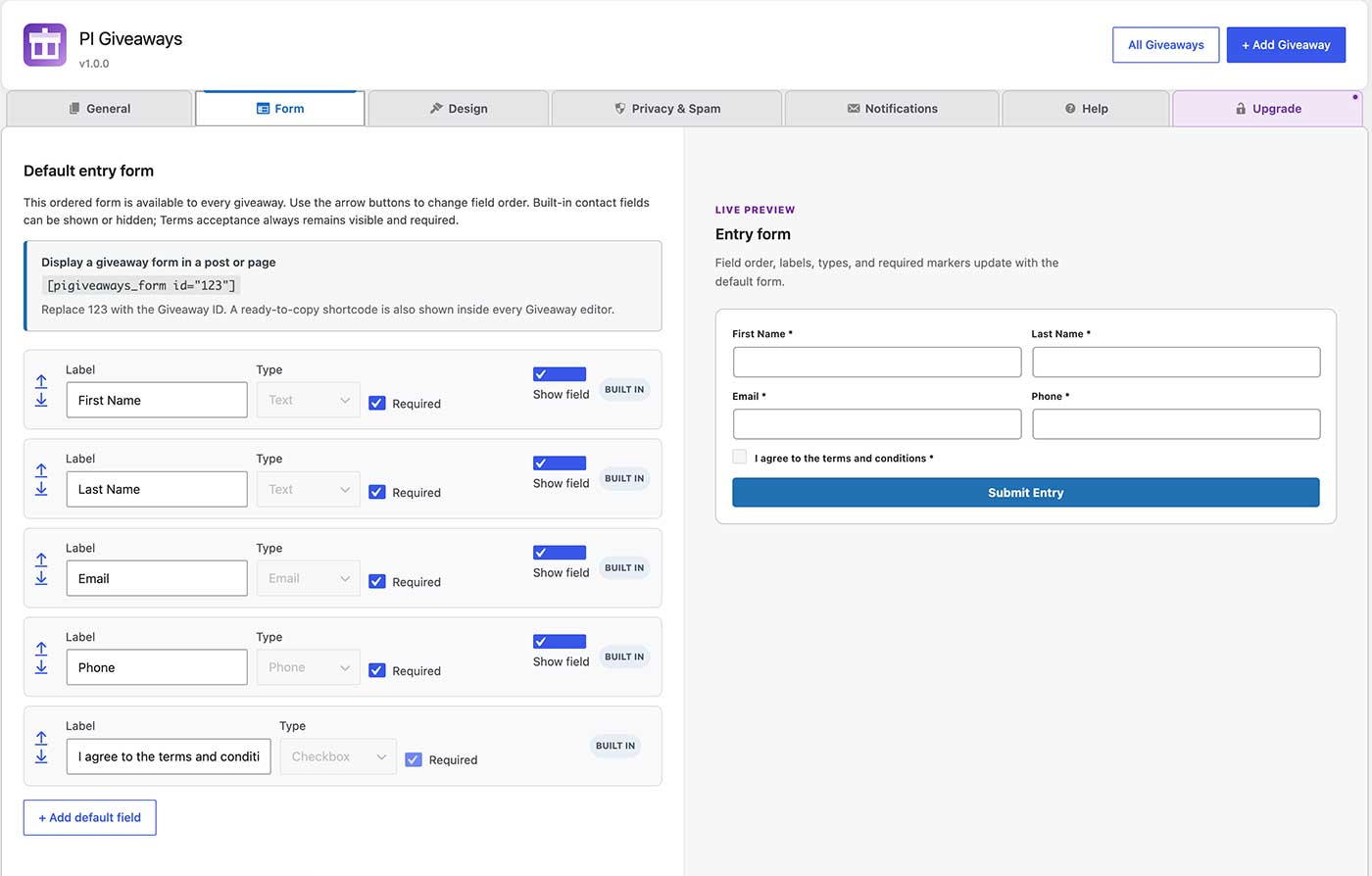
- Reusable default forms with per-giveaway field controls.
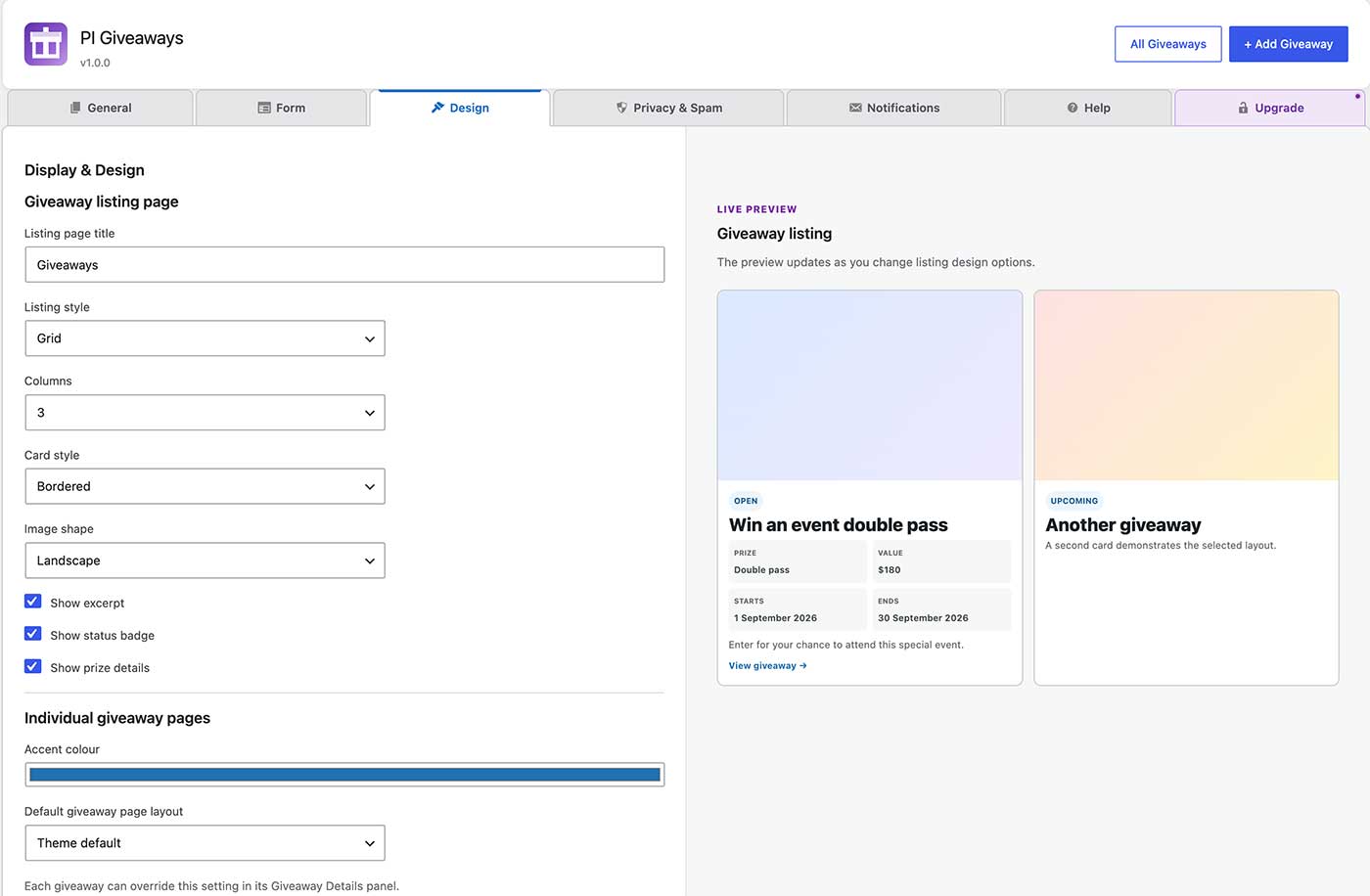
- Giveaway listings with current and past sections.
- Entry moderation, CSV export, and unlimited manual winner records.
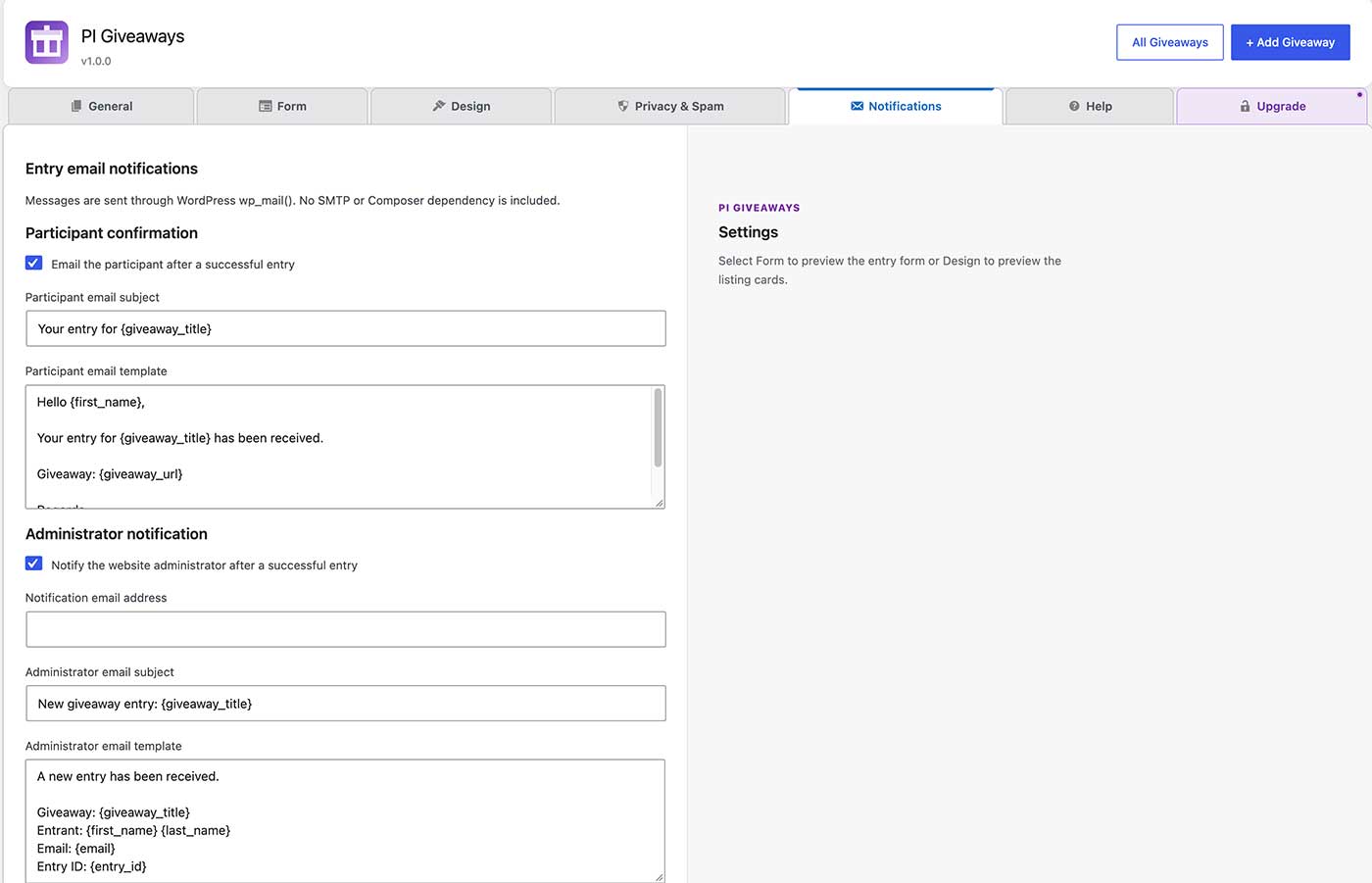
- Entry confirmation and administrator notification emails through
wp_mail(). - Honeypot protection and optional Google reCAPTCHA v3.
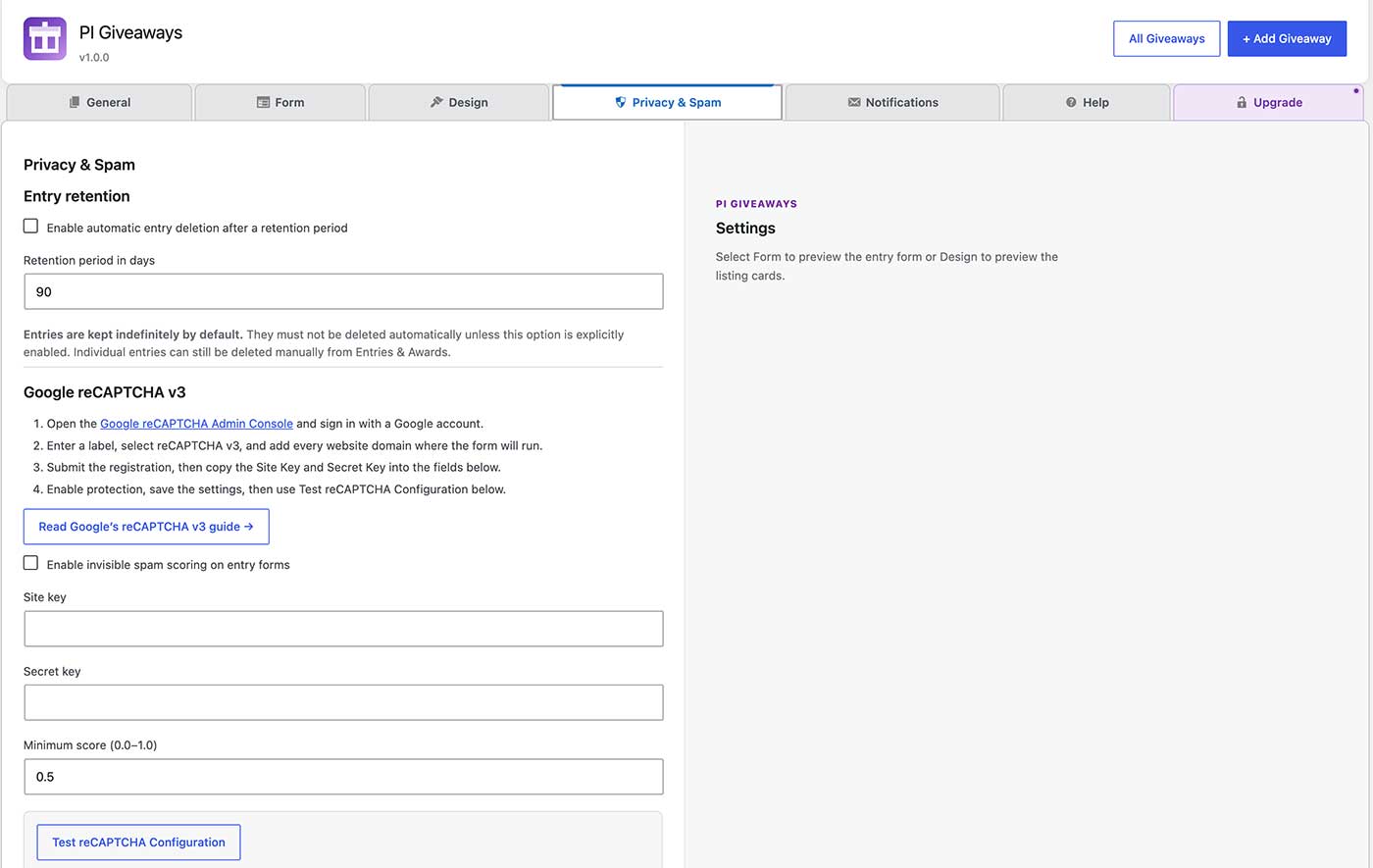
- A built-in reCAPTCHA configuration test with score reporting and frontend error recovery.
- Privacy-aware retention controls that keep entries indefinitely unless an administrator explicitly enables automatic deletion.
- Shortcodes:
[pigiveaways_giveaway id="123"],[pigiveaways_form id="123"], and[pigiveaways_giveaways].
Privacy
PI Giveaways stores the information submitted through its entry forms, which can include names, email addresses, phone numbers, consent dates, answers, and custom field values. It does not store raw IP addresses or browser user-agent strings. Site administrators are responsible for providing suitable giveaway terms and privacy information and for handling entry data according to applicable law.
Entries are retained indefinitely by default. Administrators may explicitly enable scheduled retention or delete individual entries. Uninstalling the plugin removes its settings and scheduled tasks but deliberately retains entry and award records to avoid accidental data loss.
External services
PI Giveaways can optionally use Google reCAPTCHA v3 to assess whether an entry submission is likely to be legitimate. This feature is disabled by default and only loads after an administrator enables it and supplies a site key and secret key.
When enabled, the visitor’s browser loads the Google reCAPTCHA script and requests a verification token. PI Giveaways sends that token and the configured secret key to Google’s verification endpoint when the visitor submits an entry. Google may process technical information under its own policies.
Screenshots
Installation
- Upload the
pi-giveawaysdirectory to/wp-content/plugins/, or install the ZIP through Plugins > Add Plugin > Upload Plugin. - Activate PI Giveaways through the Plugins screen.
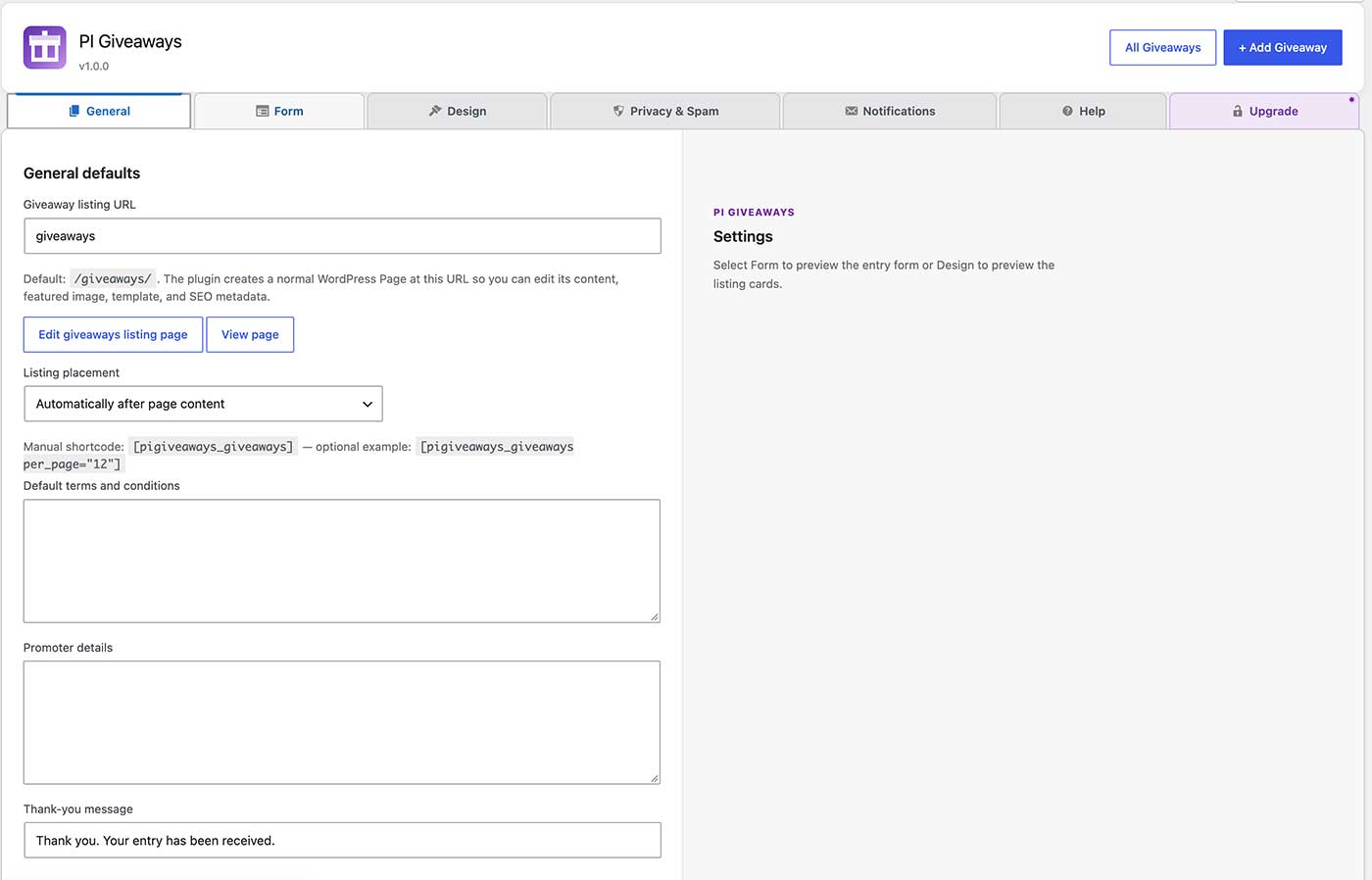
- Open PI Giveaways > Settings to configure the listing page, default form, design, privacy, and email options.
- Open PI Giveaways > Add New to create and publish a giveaway.
- Add the listing, giveaway, or entry-form shortcode to a page when you need placement outside the supplied giveaway templates.
FAQ
-
Does PI Giveaways select winners automatically?
-
No. Winner selection and award recording are deliberate administrator actions. Random, automatic, and weighted draws are not included.
-
Can I record more than one winner?
-
Yes. Set Number of winners in Giveaway Details. Administrators then select that many distinct valid entries manually; the plugin never selects them automatically.
-
What happens when a giveaway expires?
-
The giveaway remains published. Its entry form disappears, late submissions are rejected, and administrators see a reminder when entries exist but no winner has been recorded.
-
How long are entries retained?
-
Indefinitely by default. Automatic deletion only runs when an administrator explicitly enables retention and chooses a retention period. Individual entries can still be deleted manually.
-
Does the plugin require Composer or an external email service?
-
No. The distributed plugin has no Composer dependency and uses the WordPress
wp_mail()function for email. -
How do I configure Google reCAPTCHA v3?
-
Create reCAPTCHA v3 keys for your site in the Google reCAPTCHA Admin Console, then enter the site and secret keys under PI Giveaways > Settings > Security. Save the settings and use Test reCAPTCHA Configuration to verify them. reCAPTCHA is optional and remains disabled until an administrator enables it.
-
Which shortcode should I use?
-
Use
[pigiveaways_giveaways]for the giveaway listing,[pigiveaways_giveaway id="123"]for one complete giveaway, or[pigiveaways_form id="123"]for only its entry form. Replace123with the giveaway post ID. -
Where can I get support or contribute to development?
-
Use the plugin’s Help tab or visit the PI Media contact page. If PI Giveaways is useful to your site, you can also support its continued development.
Reviews
ഈ പ്ലഗിന് റിവ്യൂകൾ ഒന്നുമില്ല.
Contributors & Developers
“PI Giveaways” is open source software. The following people have contributed to this plugin.
Contributors
Translate “PI Giveaways” into your language.
Interested in development?
Browse the code, check out the SVN repository, or subscribe to the development log by RSS.
Changelog
1.0.7
- Adds extension hooks so eligibility-aware add-ons can replace a premature Award winner link with their confirmation workflow.
1.0.6
- Notifies active extensions after a manual winner award is successfully recorded.
1.0.5
- Adds a secure extension point for Pro eligibility confirmation before a manual winner award.
1.0.4
- Adds a per-giveaway Number of winners setting and enforces that limit while keeping winner selection fully manual.
- Shows manual winner progress in Entries & Awards.
1.0.3
- Corrects giveaway listing cards so their thumbnail, title, badges, and links come from the giveaway rather than the surrounding listing page.
1.0.2
- Restores giveaway status, dates, details, and form configuration saved by prerelease versions under earlier meta-key prefixes.
1.0.1
- Restores giveaways, settings, categories, entries, awards, and shortcode compatibility from pre-1.0 installations after the WordPress.org prefix update.
1.0.0
- Initial release.