

Description
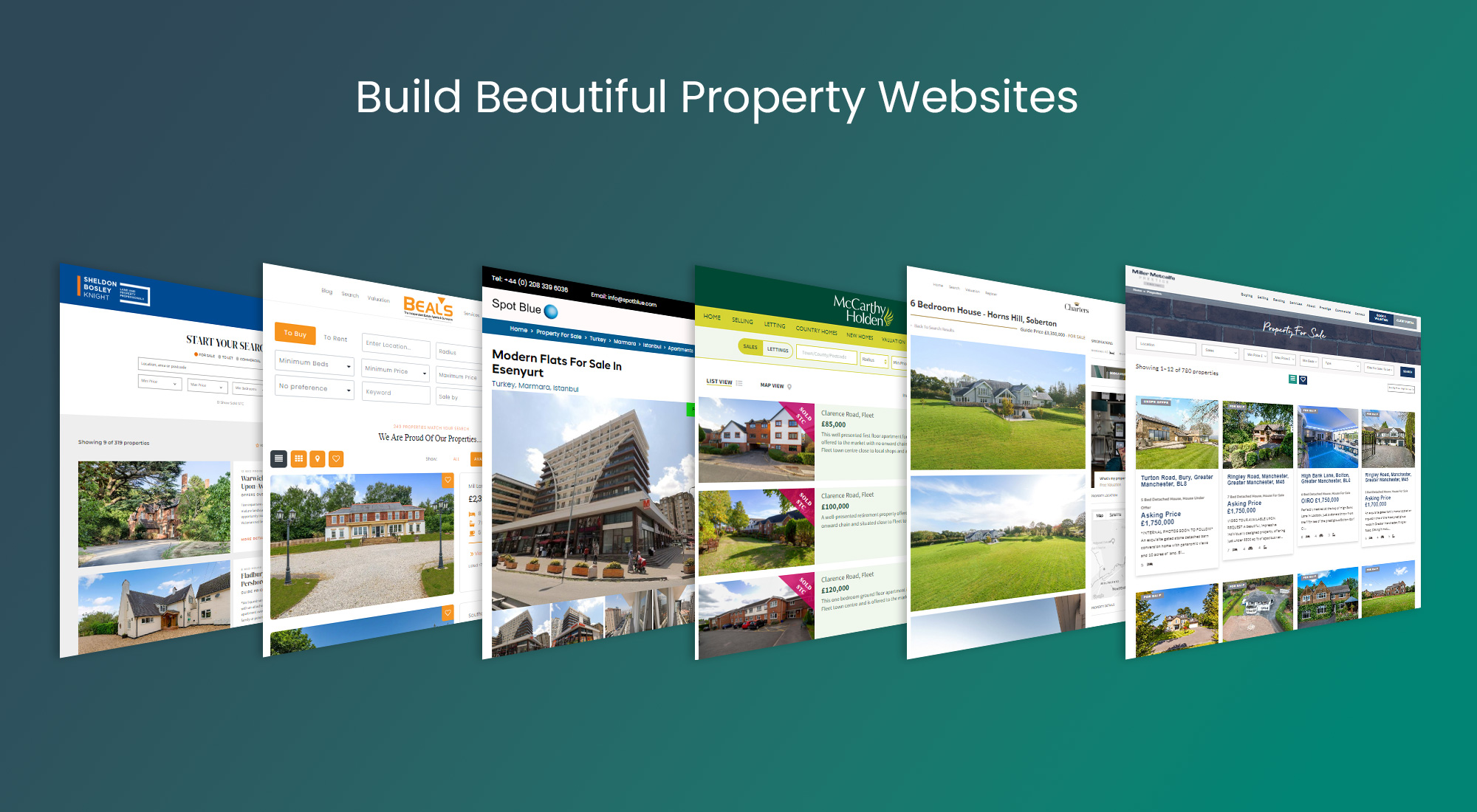
Hey you. Are you looking to showcase and sell your properties? YOUR website is your most valuable marketing tool and we’ve got the plugin to get you up and running.
Using the Property Hive core plugin you can quickly:
- Add property search to any existing theme
- Allow users to filter property listings with configurable search forms
- Display search results
- Create property details pages
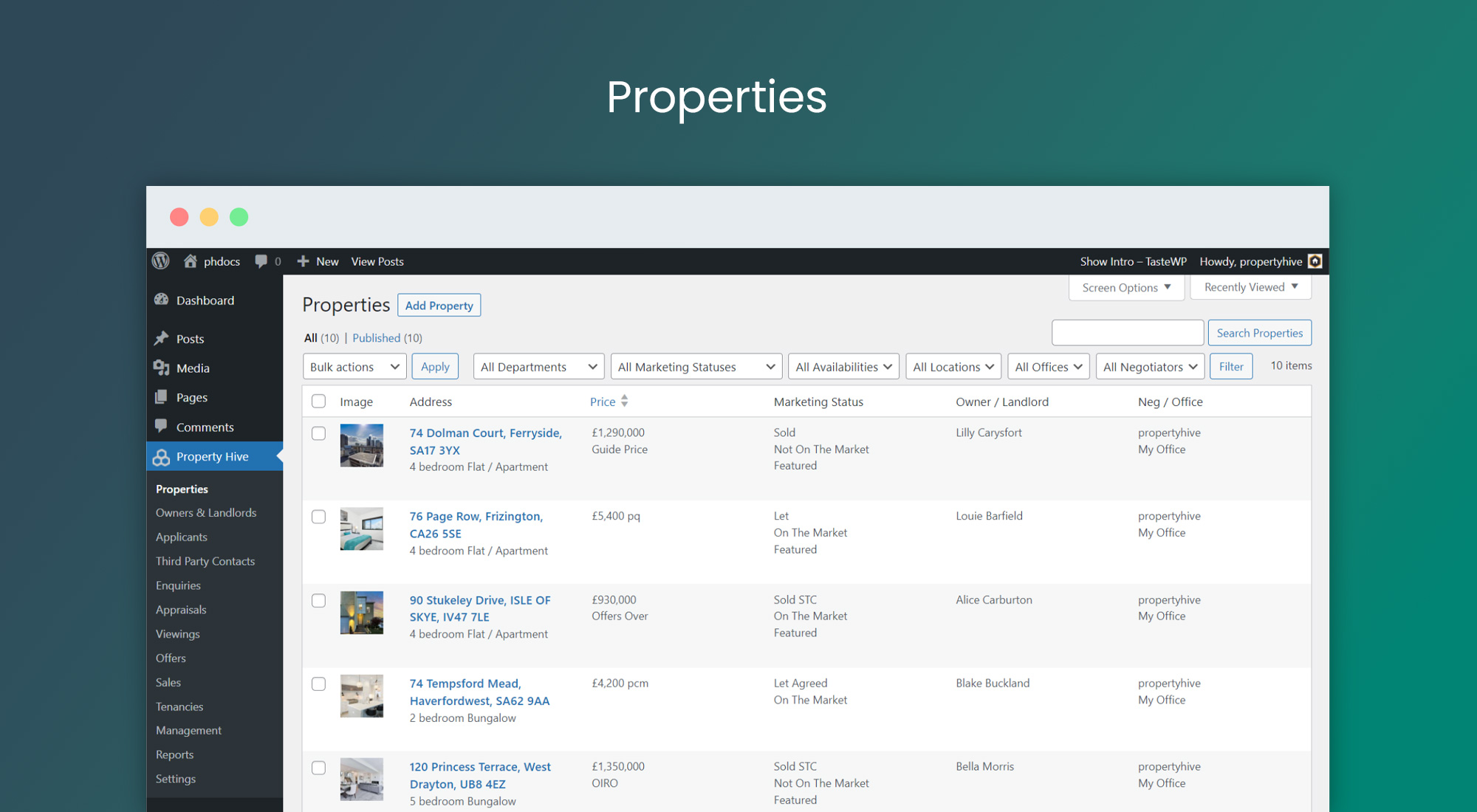
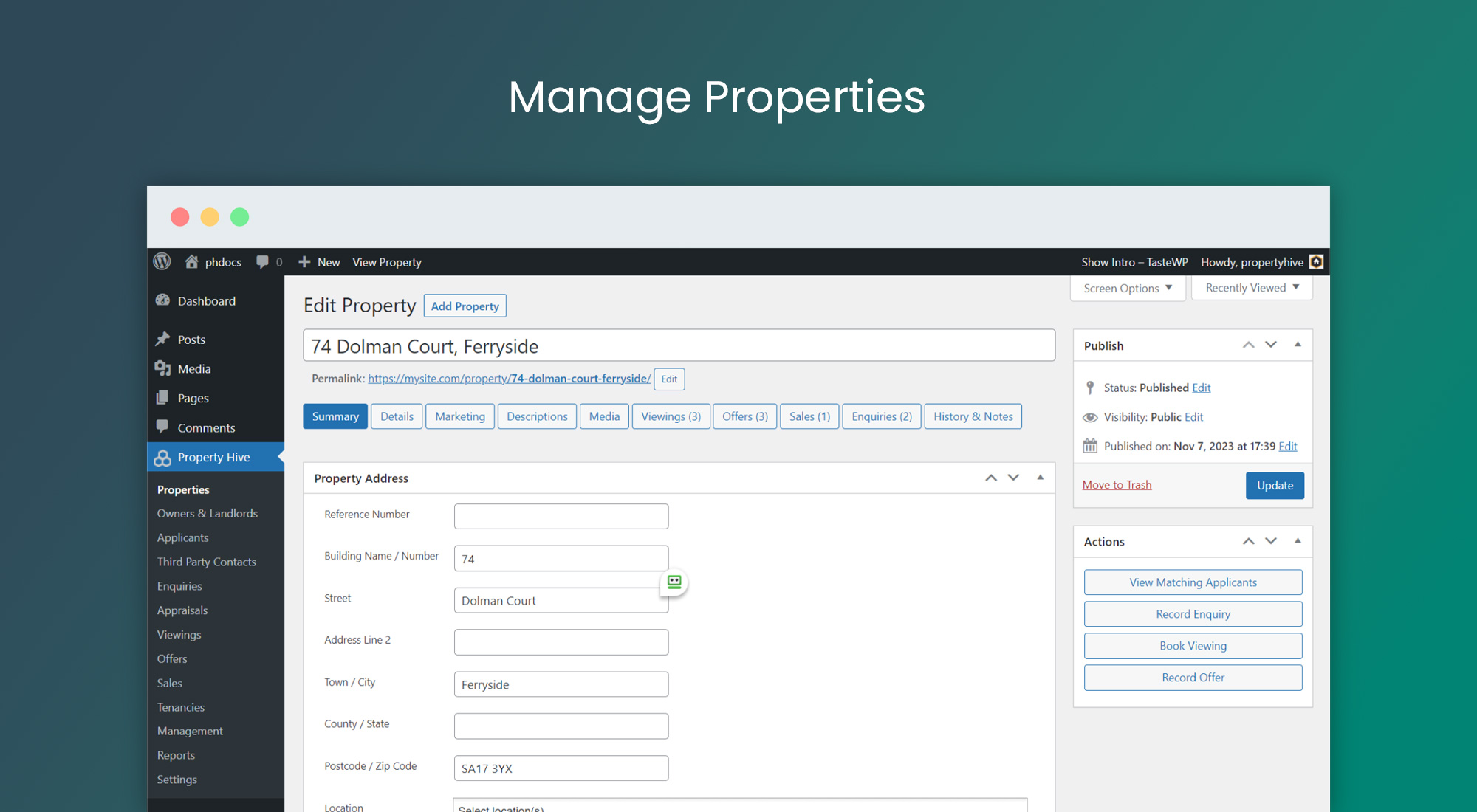
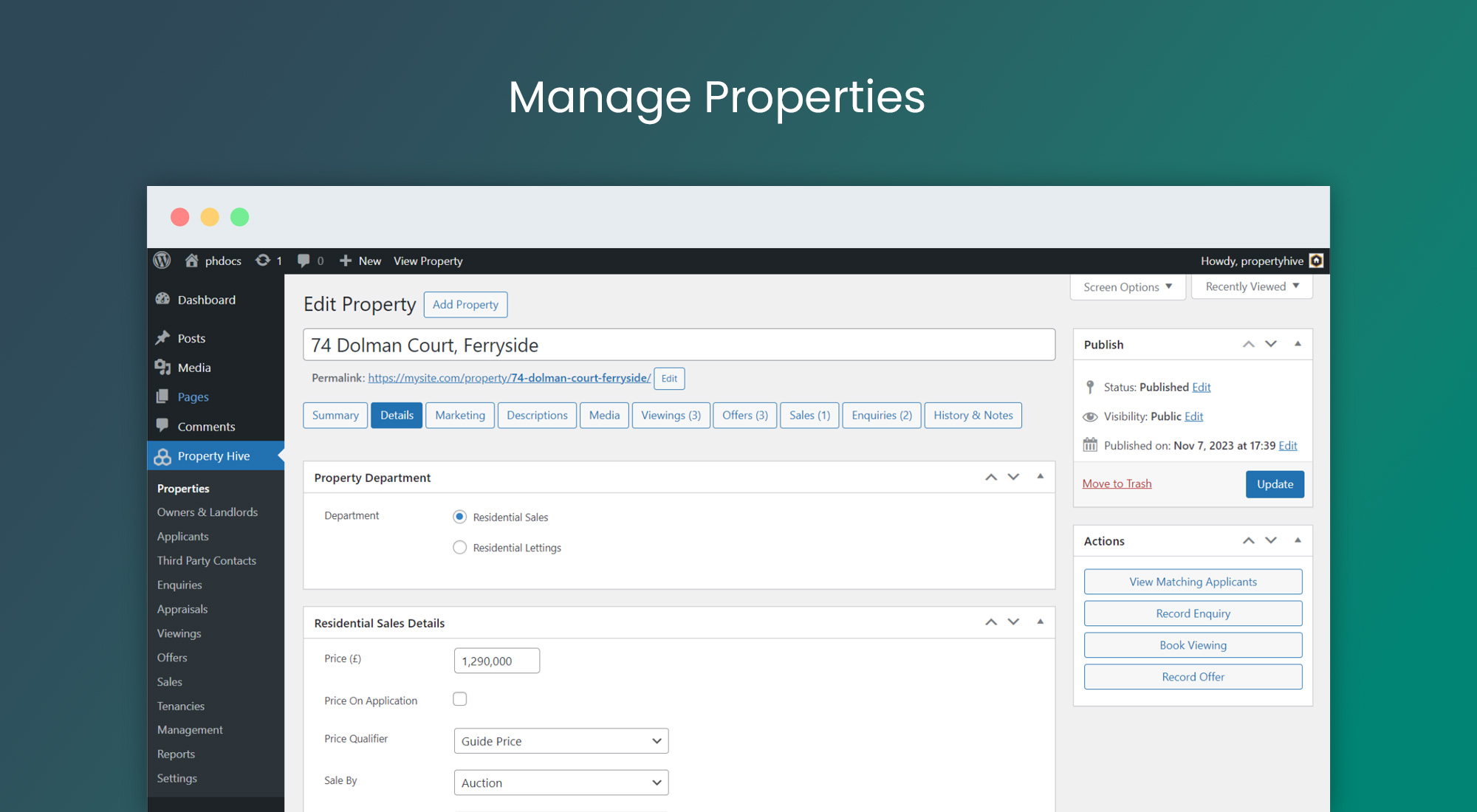
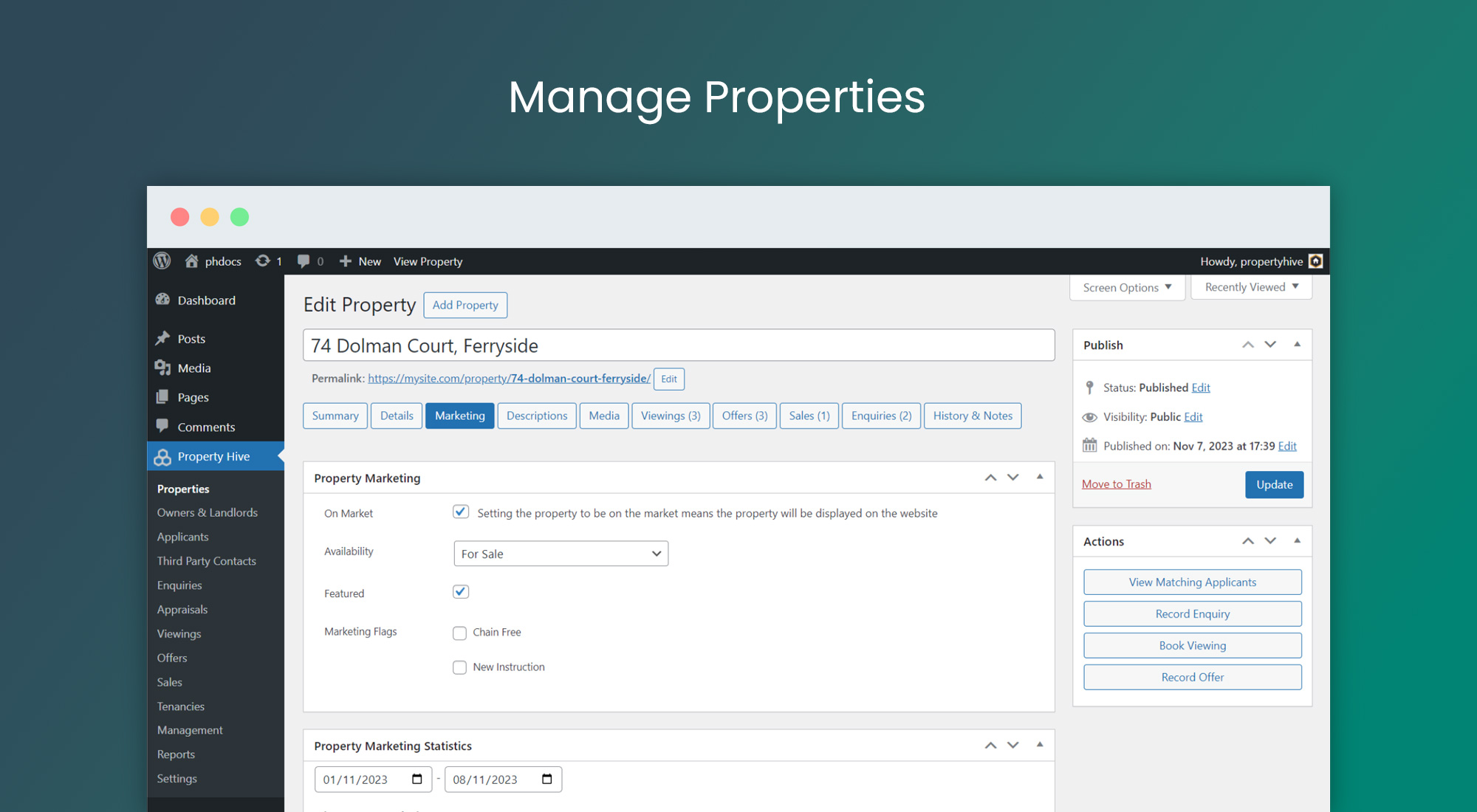
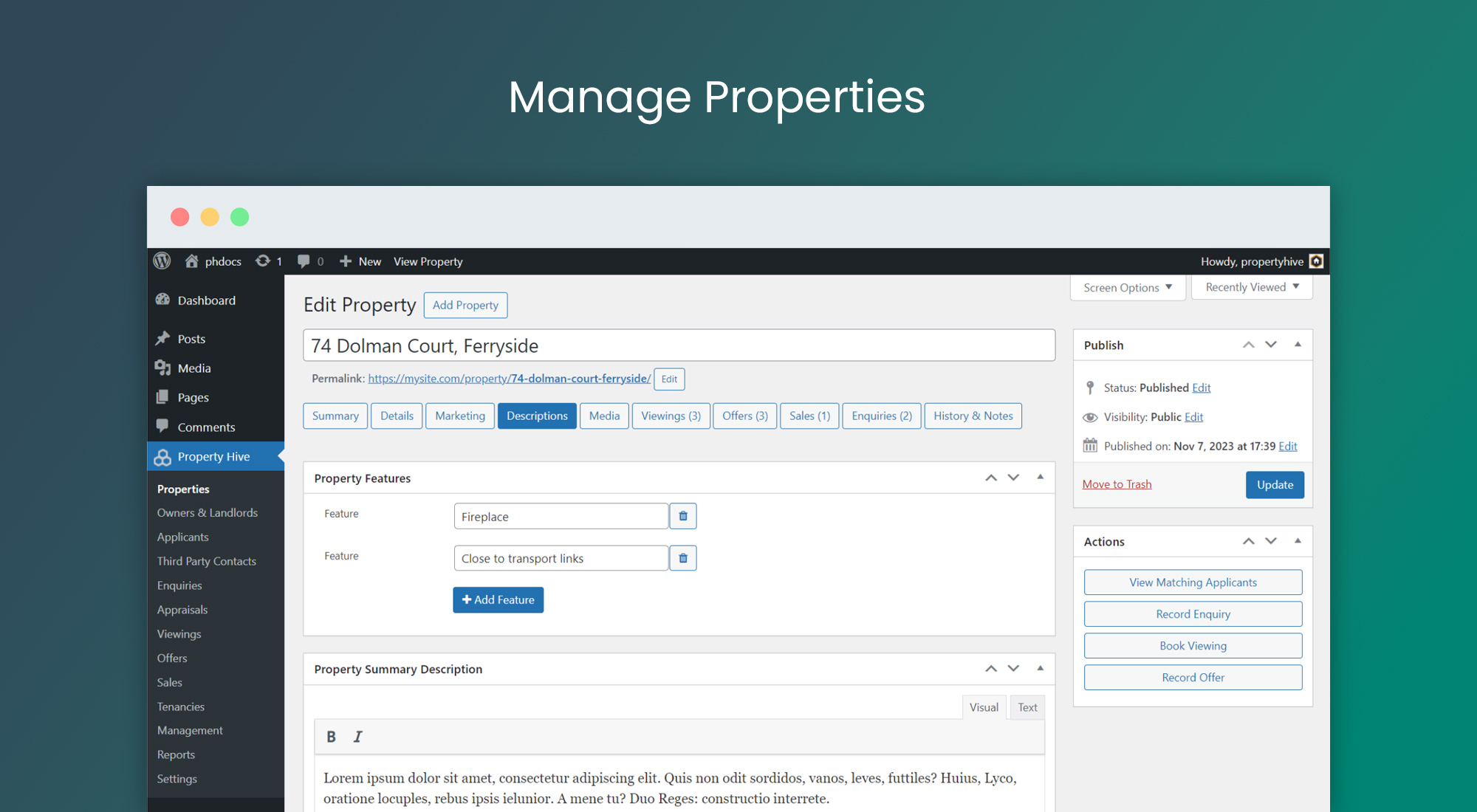
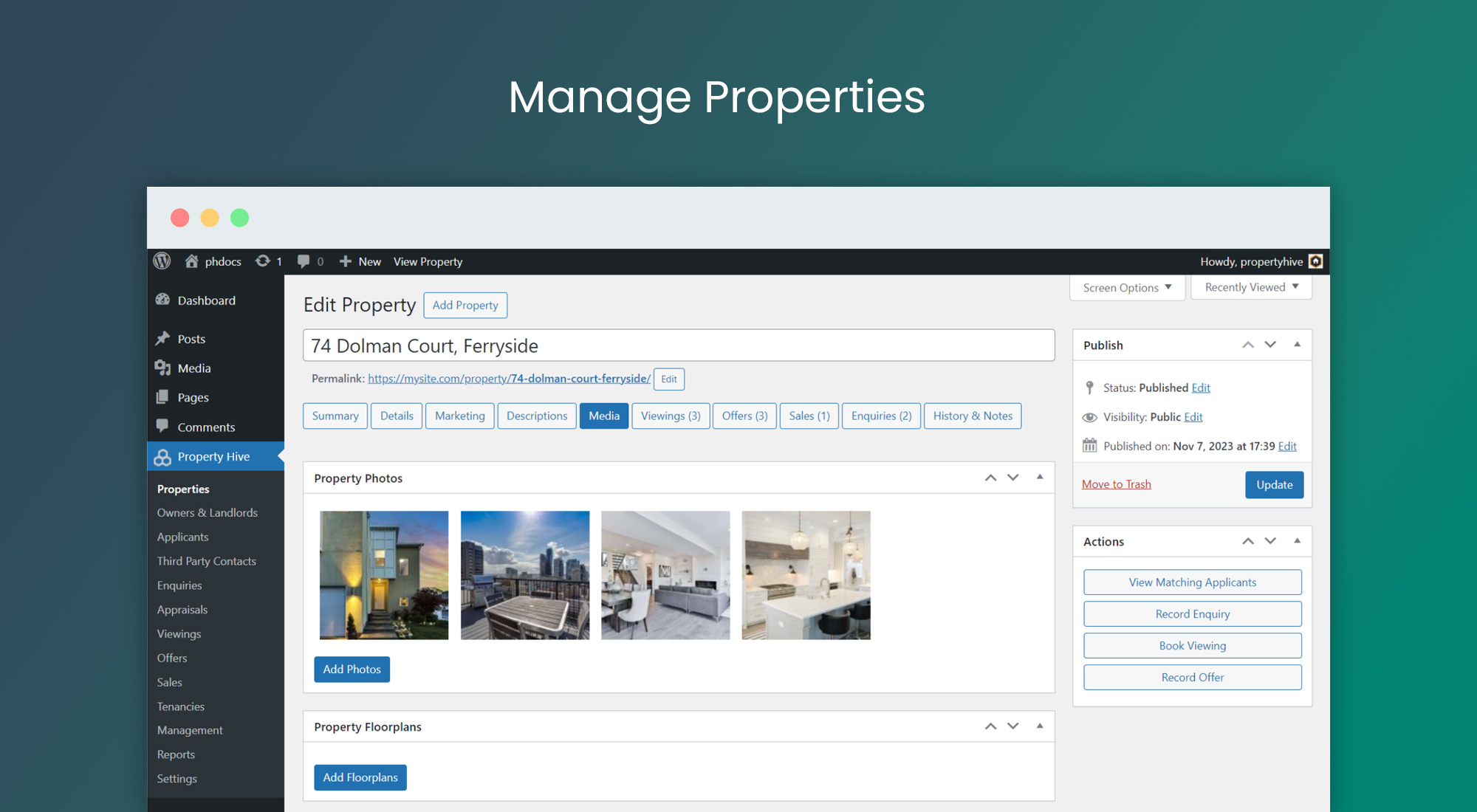
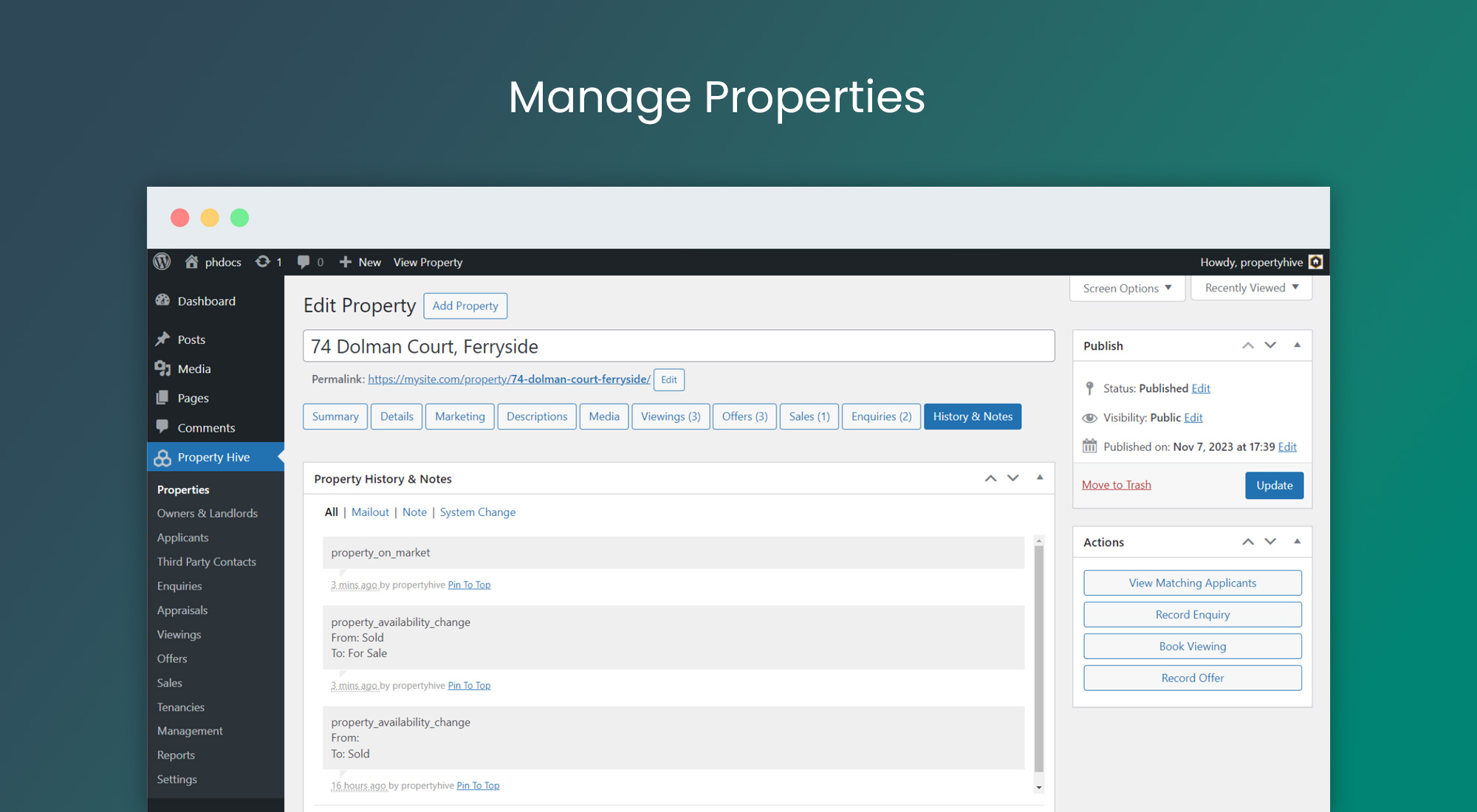
- Store and manage your properties in WordPress
- Access a wide array of shortcodes
Features included in the core plugin:
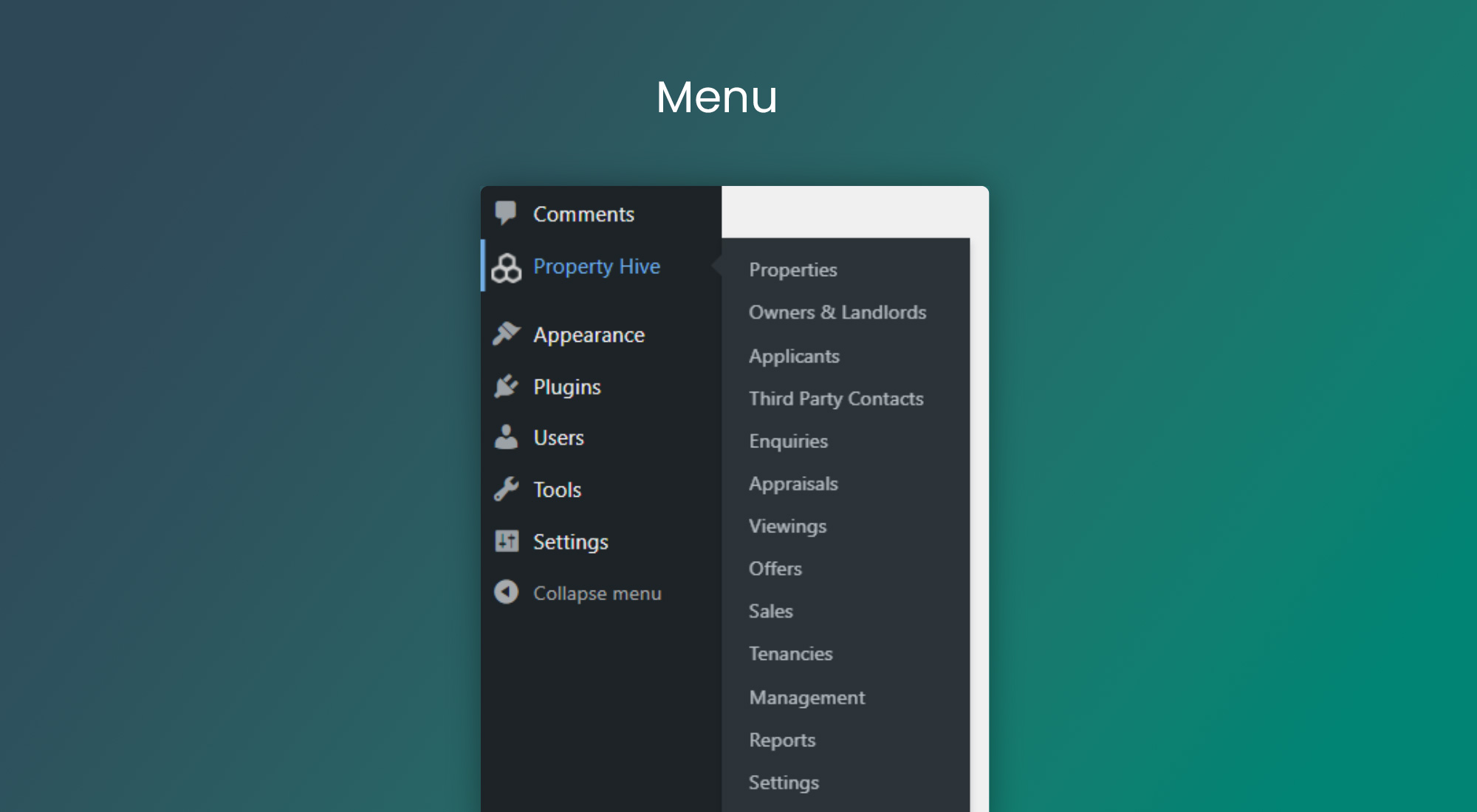
- Store and manage properties
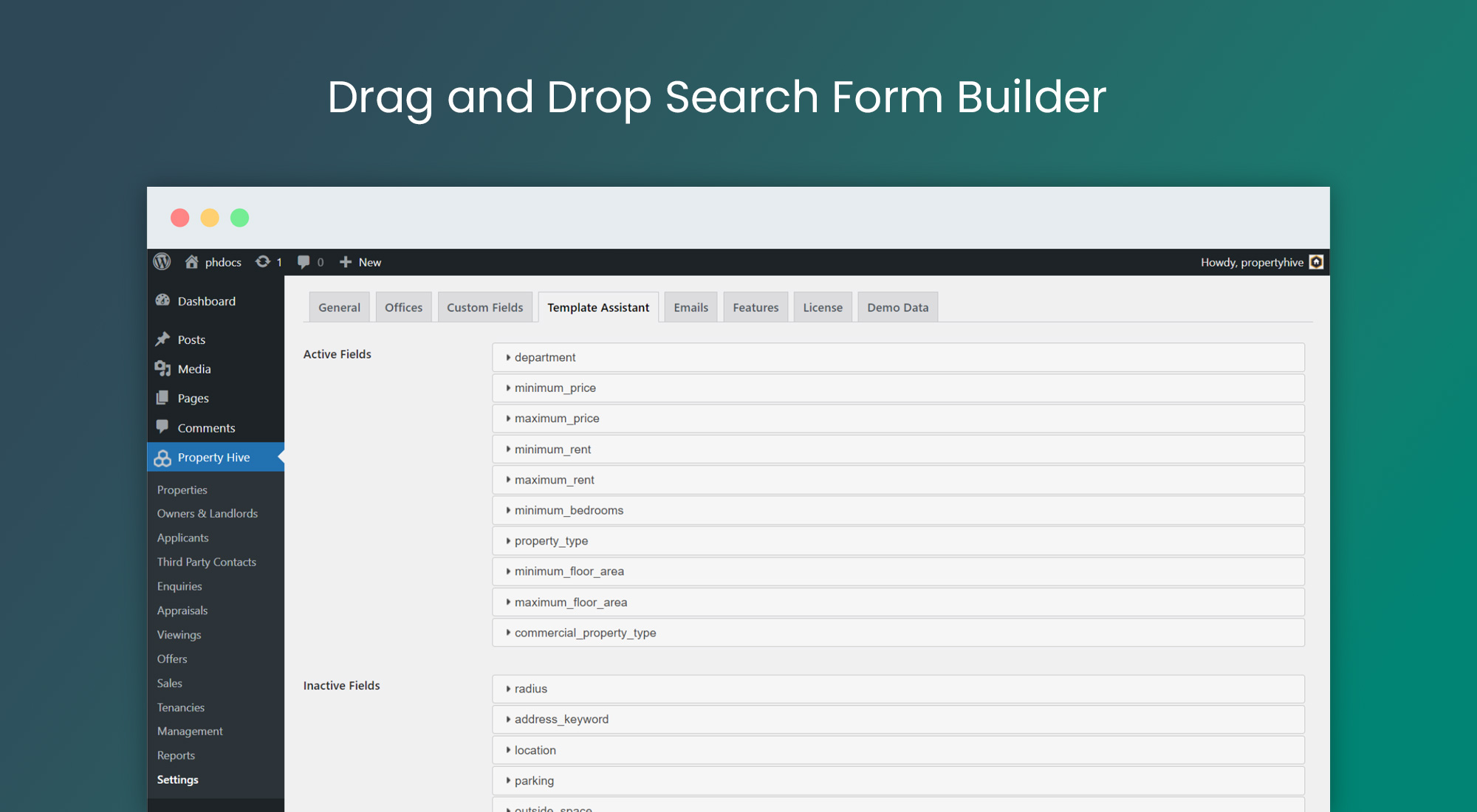
- Search forms
- Search results page
- Property details page
- Property enquiry/book viewing form
- Shortcodes
- Mortgage calculator
- Stamp duty calculator
- Rental yield calculator
- Rental affordability calculator
- EPC generator
- QR generator
- White label
- Elementor and Divi support
- Yoast, AIOSEO and Rank Math compatibility
- Customisable templates
- Property Hive CRM
- International support for real estate agents worldwide
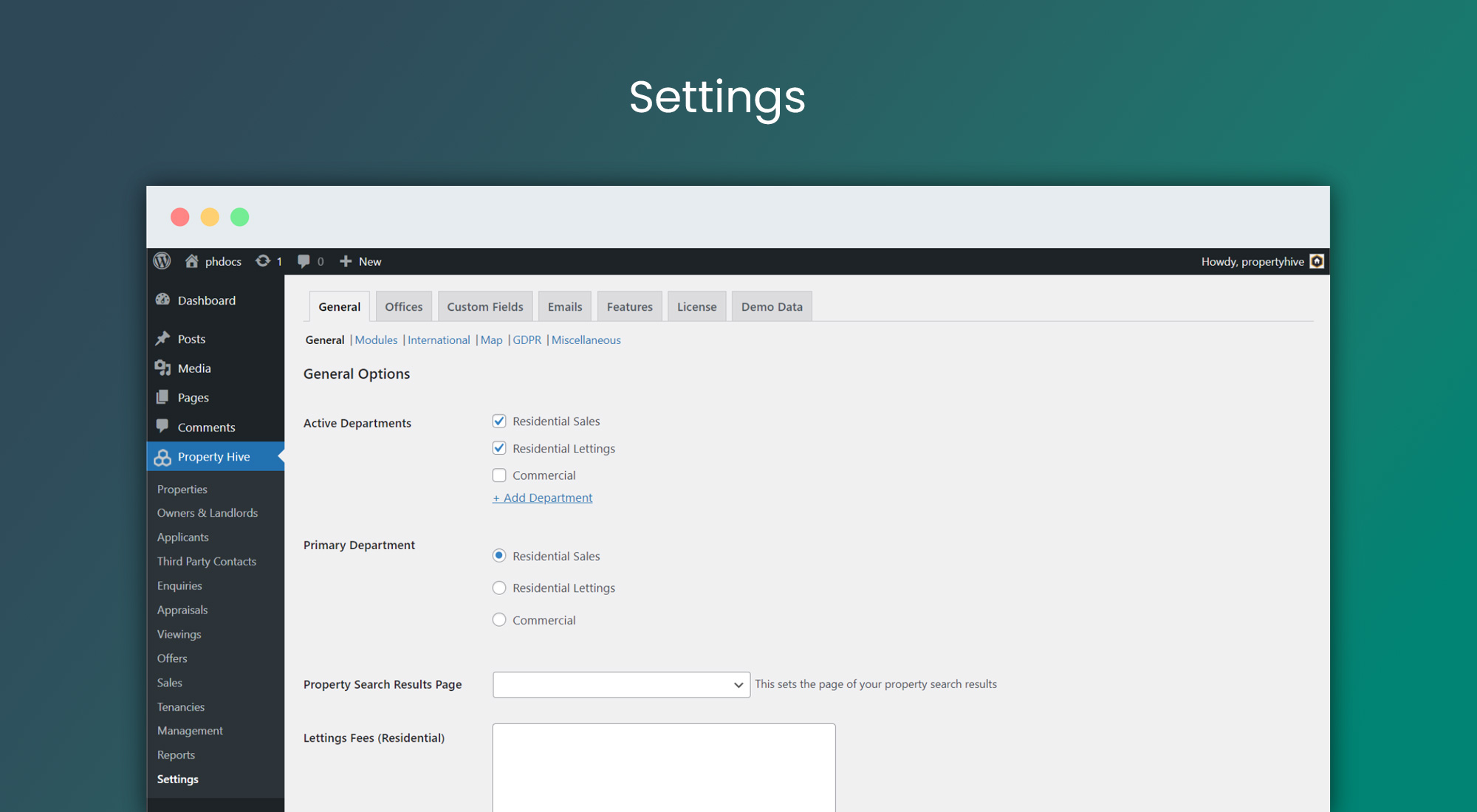
- Manage sales, lettings and commercial properties, student accommodation and more
What are the benefits of using the Property Hive plugin?
- It’s flexible – you can use Property Hive with any standard theme or use our own free theme Honeycomb
- It’s customisable – you can achieve any layout
- It’s well supported – you can trust our plugin
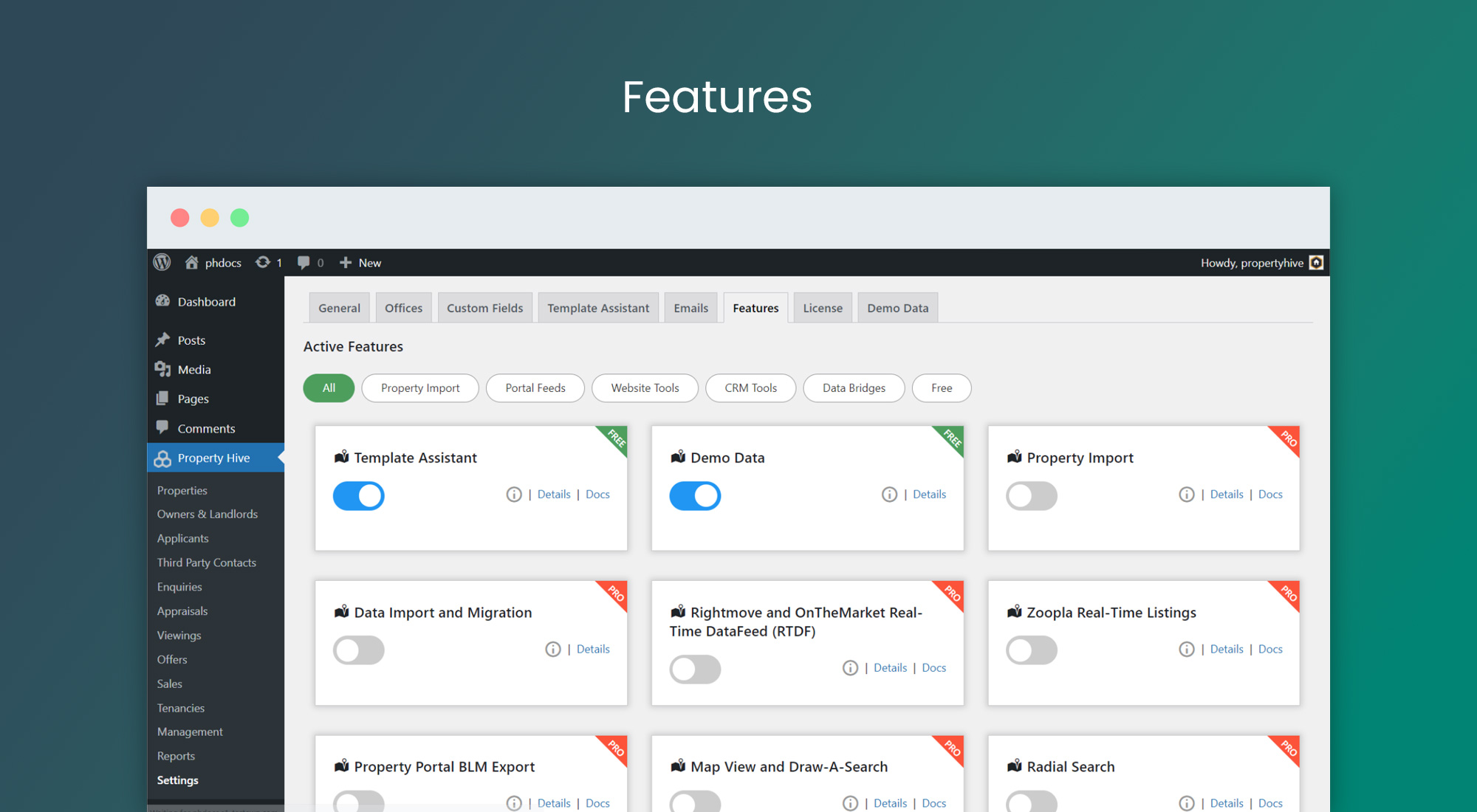
- It’s extendable – you can access a host of premium features to enhance your site
Extendable Pro features:
- Import property listings from the leading CRMs including Alto, Street, Loop, Reapit, 10ninety, SME Professional, dezrez, Kyero, agentOS, Juvo, Jupix, Arthur Online, VaultEA, Kato and more
- Export property listings to property portals such as Rightmove, Zoopla, OnTheMarket and many more
- Map Search
- Draw-a-search
- Radial Search
- Shortlist
- Saved searches
- Search results promos
- Location autocomplete
- Infinite scroll
- Send to friend
- Printable brochures
- Window cards
- Digital displays
- Property portal builder
- Property Hive CRM tools (calendar, tasks and more)
We’re loved by developers because:
- Property Hive is rich with customisable templates that make even the most bespoke builds possible
- We’ve got over 250 WordPress hooks, filters and actions that let you extend Property Hive to match your client’s requirements
- Property Hive integrates with the WordPress REST API
- You can white label Property Hive and brand it how you like
- Property Hive is open source meaning you can use GitHub to contribute to the code or raise issues for us or other developers to address
- You can access our feature roadmap and are welcome to comment on features or ‘watch’ cards to get notified as they progress
Resources and support:
Support and documentation
Support policy
Testimonials:
Don’t just take our word for it! Read our reviews here.
External services
Services depend on enabled features and configuration:
- Property Hive: periodic license checks send the key and site URL. Unless Usage Data Sharing is disabled, they also send environment details, configured import/export destinations, usage totals and published-record counts. Pro requests send the Pro key and site/instance identifiers. Admin screens fetch add-on details, news and update notices. An optional deactivation survey sends your reason/comments and, unless anonymous is selected, site/diagnostic details. Privacy | Terms.
- Currency rates: the daily currency task retrieves GBP exchange rates from the exchange API via jsDelivr, sending normal server request metadata. Privacy | Terms.
- Maps/geocoding: configured map services receive property coordinates, typed/stored addresses or search keywords, API keys/tokens and request metadata when maps display or addresses are looked up. Google: Privacy, Terms. Mapbox: Privacy, Terms. OpenStreetMap: Privacy, Tile policy, Nominatim policy. Nominatim limits requests to one per second and prohibits submitting personal/confidential data.
- CAPTCHA: when configured on a form, the provider’s browser script processes visitor/device and interaction data to detect abuse. Form submissions send the resulting token and configured secret to the provider for verification. Google reCAPTCHA: Privacy, Terms. hCaptcha: Privacy, Terms. Cloudflare Turnstile: Privacy, Terms.
- Remote media and virtual tours: providers you configure receive requests when media is imported or viewed. Consult that provider’s terms and privacy policy before configuring its URL.
Bundled date-range picker: Dan Grossman’s Date Range Picker 3.1.0, MIT license; source and license are included in assets/js/daterangepicker/.
Screenshots
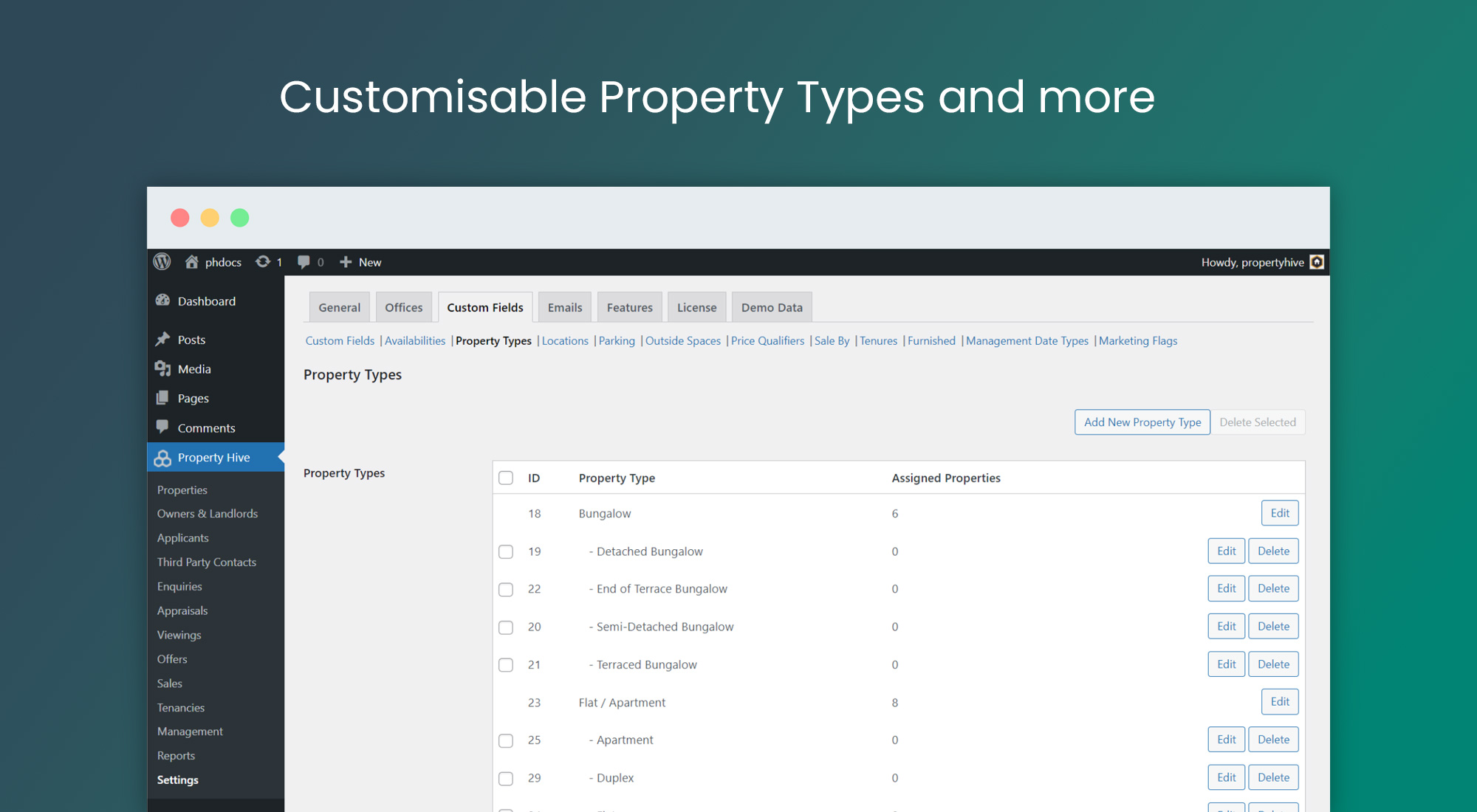
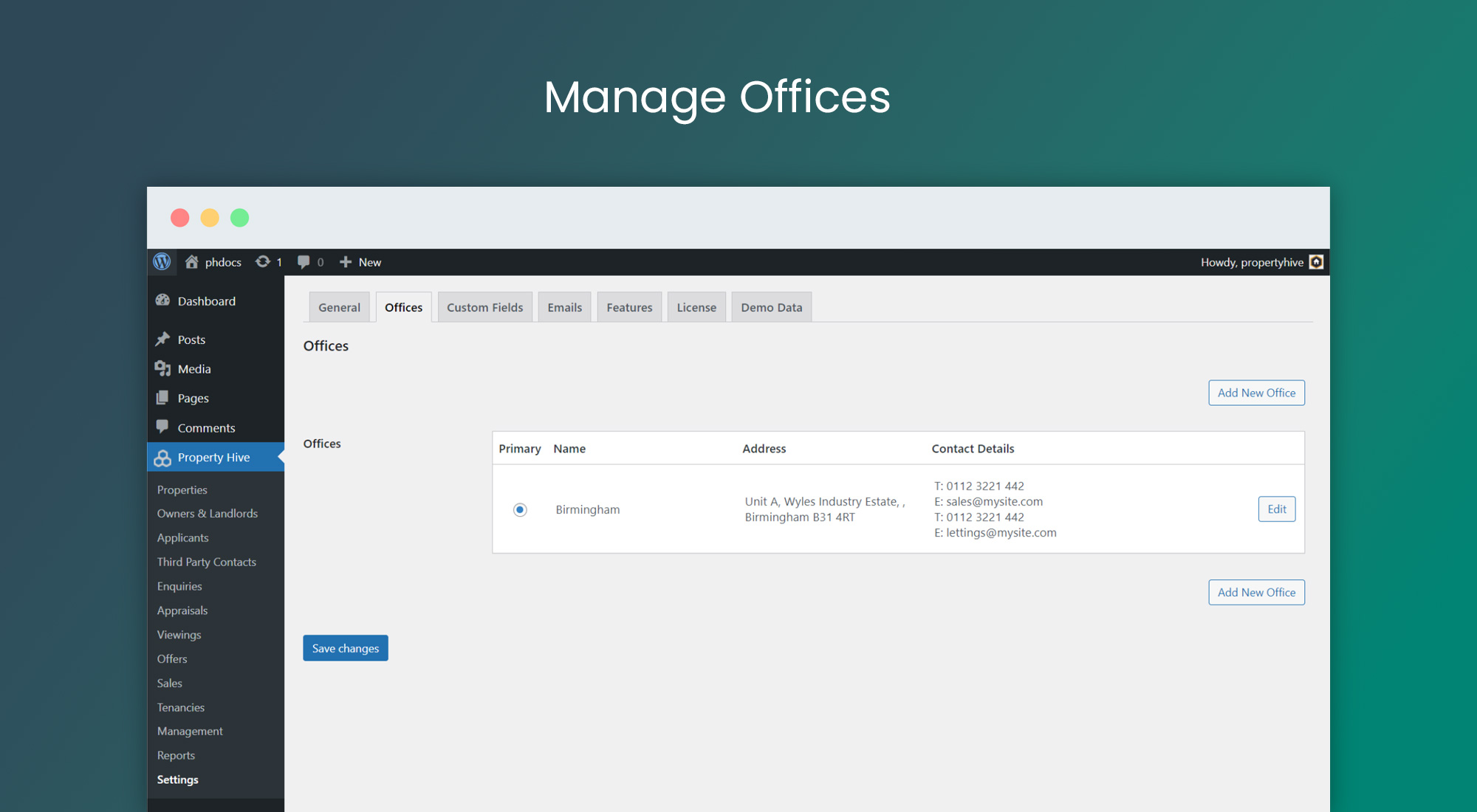
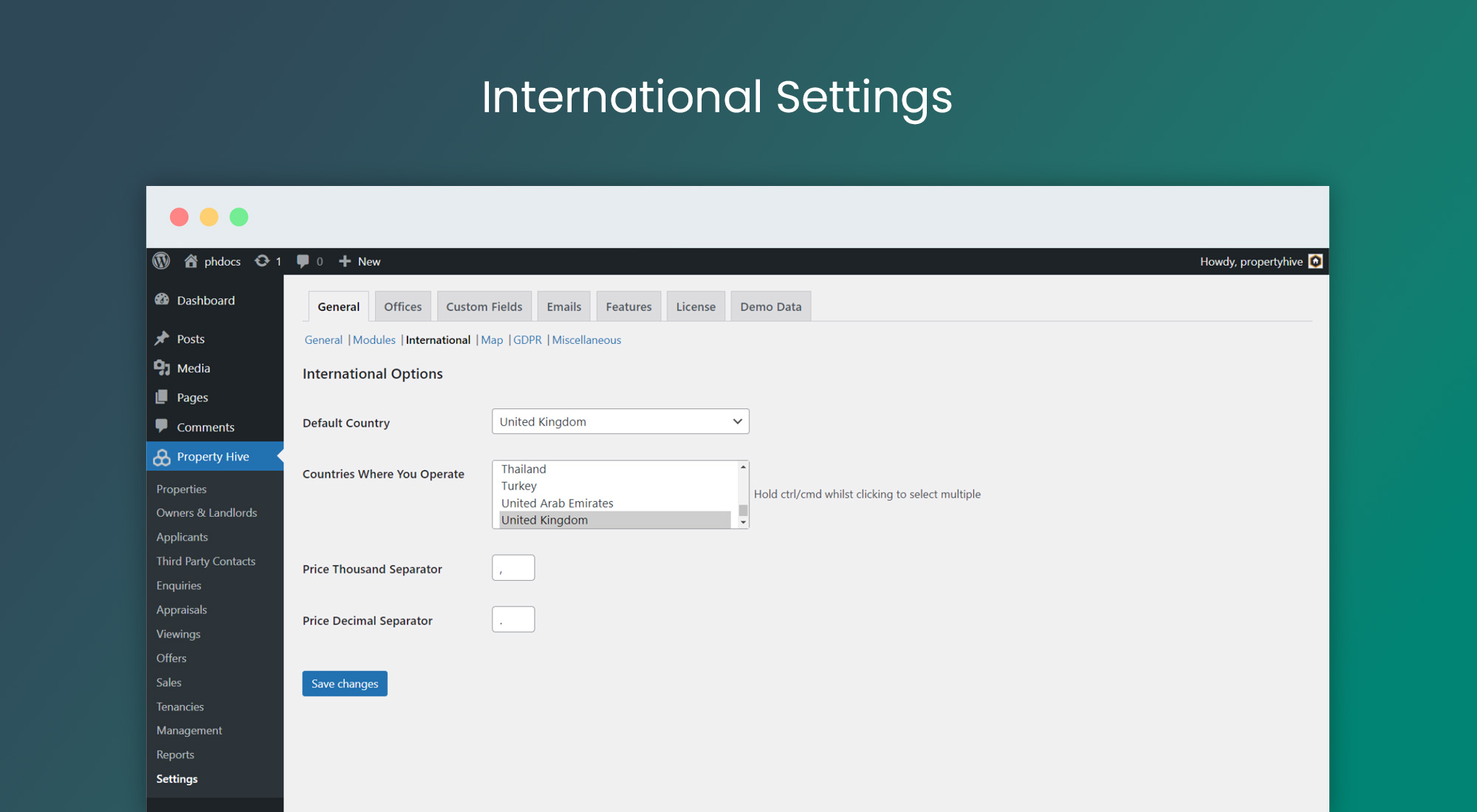
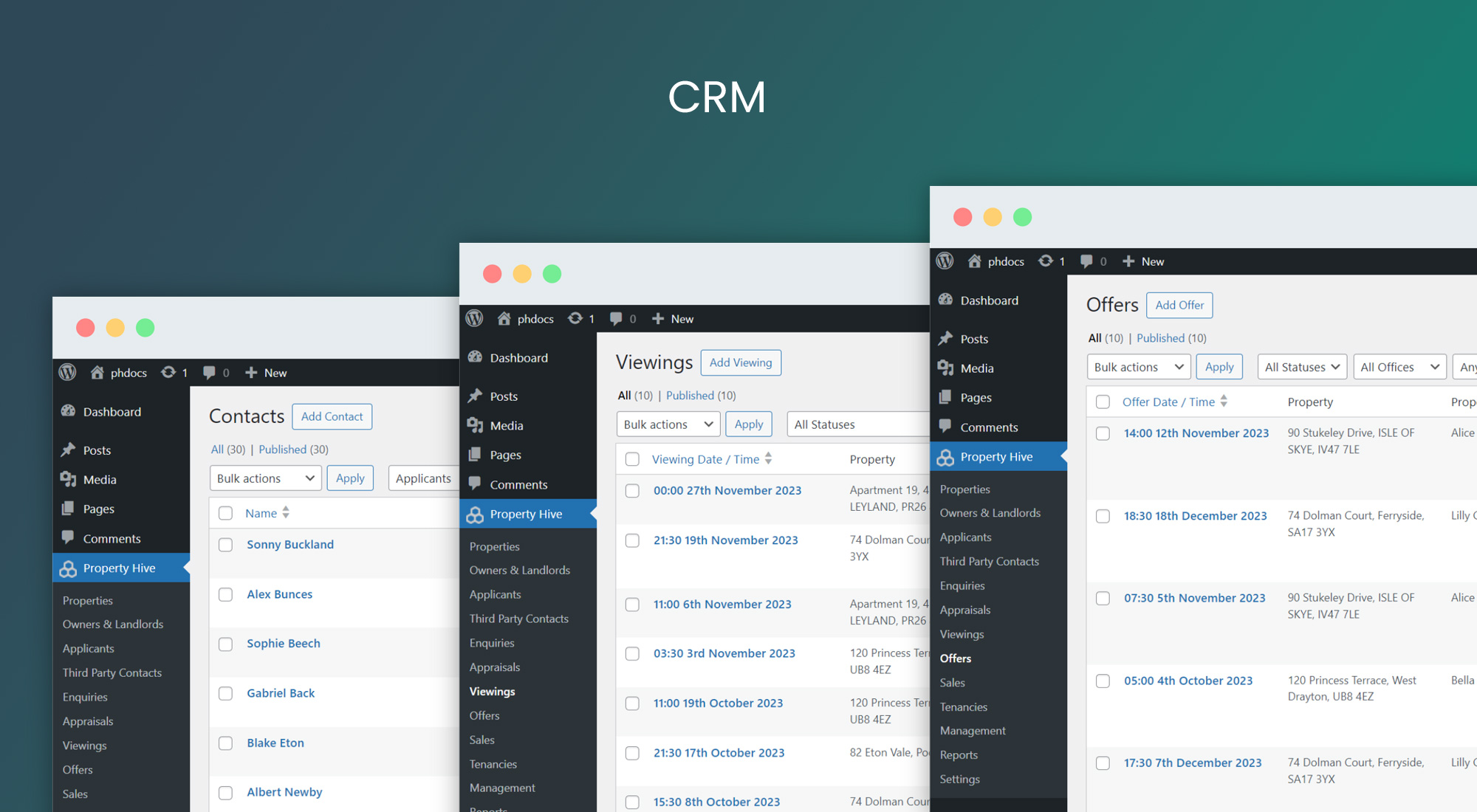
Installation
Minimum Requirements
- WordPress 5.6 or greater
- PHP version 7.4 or greater
- MySQL version 5.7 or greater, OR MariaDB version 10.3 or greater.
Automatic installation
Automatic installation is the easiest option as WordPress handles the file transfers itself and you don’t need to leave your web browser. To do an automatic install of Property Hive, log in to your WordPress dashboard, navigate to the Plugins menu and click Add New.
In the search field type “Property Hive” and click Search Plugins. Once you’ve found our plugin you can view details about it such as the point release, rating and description. Most importantly of course, you can install it by simply clicking “Install Now”.
Manual installation
The manual installation method involves downloading the Property Hive plugin and uploading it to your webserver via your favourite FTP application. The WordPress codex contains instructions on how to do this here.
Updating
Automatic updates should work like a charm; as always though, ensure you backup your site just in case.
FAQ
-
How do I install Property Hive?
-
Click the download button above or from within WordPress navigate to Plugins > Add New and search for ‘Property Hive’.
-
Does the free core plugin contain everything I need to create a working property website?
-
Yes. It is possible to create a property website out of the box with Property Hive. You can also use our free Honeycomb theme, which compliments the plugin well.
-
What kind of properties can I store?
-
Using the Property Hive plugin you can store and manage sales, lettings/rentals and commercial properties. You can also add additional departments such as student lets, new homes, farms and land etc.
-
Can I import my properties with Property Hive?
-
Yes. With a Property Hive Pro subscription you can automatically import properties from all leading CRMs such as Alto, Street, Loop, Reapit, 10Ninety, SME Professional, dezrez, Kyero, agentOS, Juvo, Jupix, Arthur Online, VaultEA, Kato and more.
-
Does Property Hive work with other themes?
-
You can use Property Hive with any standard non real estate theme. We also have a free theme of our own, Honeycomb. (https://wp-property-hive.com/theme-options/honeycomb/)
-
Does Property Hive work with other plugins?
-
Property Hive is compatible with almost all other plugins. As long as the other plugins you are using don’t cause a conflict (for example they also add property search) then there shouldn’t be an issue. Contact us if you have questions on this.
-
Where are you based?
-
We are based in the UK.
-
I list properties that are not in the UK. Can I use this plugin?
-
Yes you can. Property Hive has a range of international options including the option to select which countries you operate in. We also support multiple currencies and store live currency exchange rates to aid with sorting and filtering properties in multiple currencies.
-
Is Property Hive compatible with page builders such as Elementor and Divi?
-
Yes, you can use Elementor to build property details and search results pages. You can use Divi to build a property details page. Support for other page builders is coming!
-
Do I need to know how to code to use Property Hive?
-
No, you have a few options for styling property pages:
- Use our free Honeycomb theme where everything comes styled by default. Simply add your logo and brand colours.
- Use any theme and use a page builder such as Elementor to build property pages by dropping in widgets that come with the page builder.
- With some HTML, CSS and/or PHP knowledge you can go completely bespoke and override the templates.
-
Is Property Hive safe and secure?
-
Property Hive has been running since 2015 and since then has undergone multiple security reviews.
All input and output is validated and sanitised and to this date, we have not had one report of a site being compromised as a result of Property Hive.
Any issues surrounding security are taken seriously and addressed as a matter of priority.
-
What’s the difference between the free core plugin and Property Hive Pro?
-
The free core plugin contains the foundations that you need to create a property website. With the free version you can also access a suite of front and back end tools and fully functioning Property Hive CRM (or use your own).
Property Hive Pro contains a wider suite of tools that enhance the core plugin. This includes a CRM import tool, portal feeds and much more.
Reviews


Contributors & Developers
“Property Hive” is open source software. The following people have contributed to this plugin.
Contributors

Translate “Property Hive” into your language.
Interested in development?
Browse the code, check out the SVN repository, or subscribe to the development log by RSS.
Changelog
2.4.0 – 2026-09-23
- Added new onboarding wizard when people activate the plugin for the first time
- Updated menu icon to reflect latest branding release
2.3.1 – 2026-09-18
- Added post_status parameter to contact queries in auto-matches to guarantee only published contacts are ever queried
- Updated email queue to, before sending, do a final check the applicant is still published, has ‘Send Matching Properties’ ticked and hasn’t unsubscribed
- Updated update logic to exclude updates showing when a user is in a trial
2.3.0 – 2026-09-16
- Added more view-related statistics to REST API including views_today and views_yesterday
- Added filter to change if auto-match works off published or on market change
- Added filter to disable tracking search analytics
- Added filter to specify currency support for other slider field types
- Updated entire plugin to pass Plugin Check review
- Updated search analytics so admin users aren’t included when logging
- Corrected a couple of security vulnerabilities
- Declared compatibility for WordPress 7.1
2.2.6 – 2026-07-16
- Added nonces and verify user capabilities on reset and deletion of search forms for improved security
- Added basic anonymous search analytics in preparation of future features
- Updated REST API to support a ‘description’ field being passed through as a field on property create/update requests
- Corrected sanitisation of media URLs to use sanitize_url() instead of ph_clean() to ensure any encoding is retained
- Corrected issue with mismatched HTML tags in Elementor Gallery widget when no photos existed for a property
- Corrected undefined PHP warning when post thumbnail is requested but no photos exist
2.2.5 – 2026-06-18
- Corrected various translation strings
- Corrected issue with flag setting in Elementor Image widget
Older releases are documented in the complete changelog.